1
GE Energy
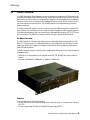
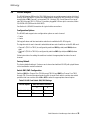
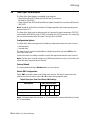
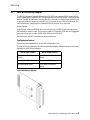
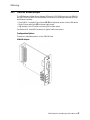
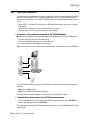
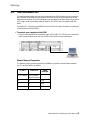
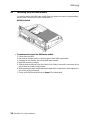
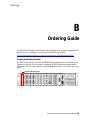
» To change the User CompactFlash card
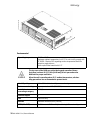
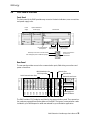
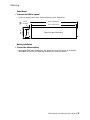
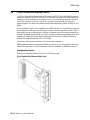
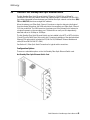
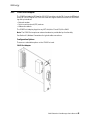
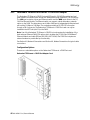
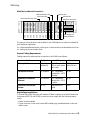
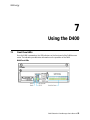
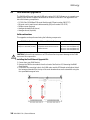
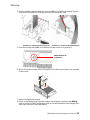
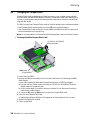
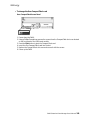
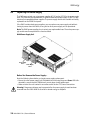
User CompactFlash Access Panel
1. Power down the D400.
2. Using a Phillips Screwdriver, remove the screws from the CompactFlash slot cover located
on the front panel of the D400 main module.
3. Press the Eject button to eject the CompactFlash card.
4. Insert the new CompactFlash card into the slot.
5. Replace the CompactFlash slot cover and secure it with the screws.
6. Power up the D400.
D400 Substation Data Manager User’s Manual
109