1
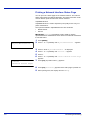
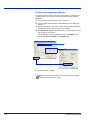
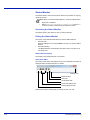
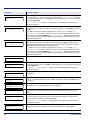
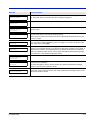
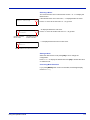
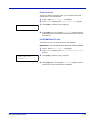
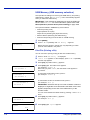
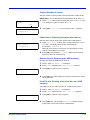
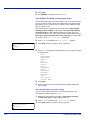
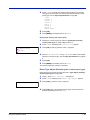
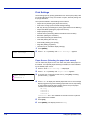
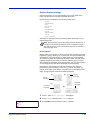
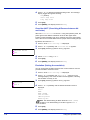
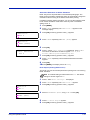
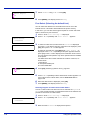
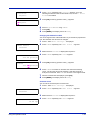
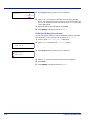
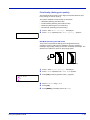
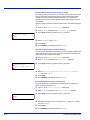
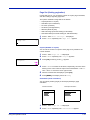
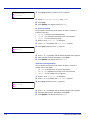
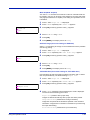
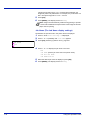
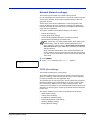
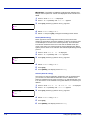
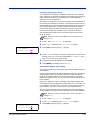
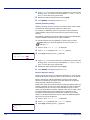
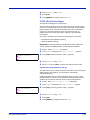
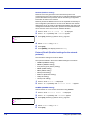
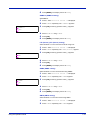
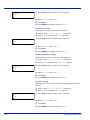
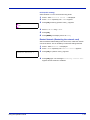
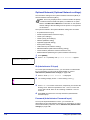
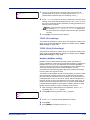
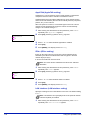
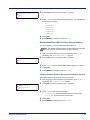
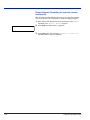
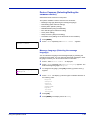
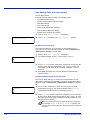
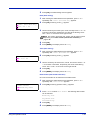
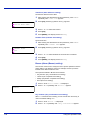
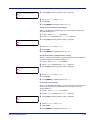
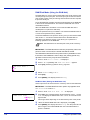
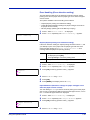
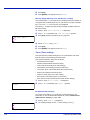
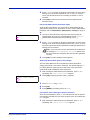
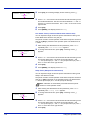
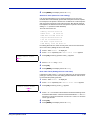
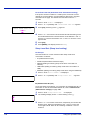
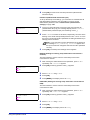
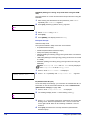
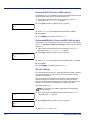
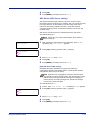
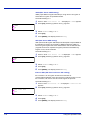
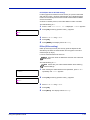
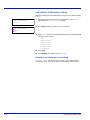
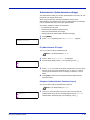
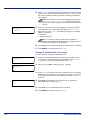
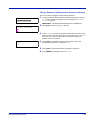
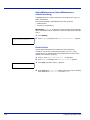
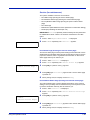
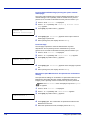
4 5 Press [OK]. Press [MENU]. The display returns to Ready. SSL Server (SSL Server setting) SSL (Secure Sockets Layer) refers to a protocol used to encrypt information sent and received over a network. SSL can currently be used to encrypt data such as the WWW or FTP files widely used on the Internet so that privacy-related information, credit card numbers, corporate secrets and other confidential information can be sent and received safely. SSL servers use this protocol to authenticate servers and clients. The default setting is On. Note Check with your network administrator when selecting network settings. >SSL Server > >SSL Server ? Off > 1 2 3 4 5 After entering the administrator ID and password, press or repeatedly until >SSL Server > appears. Press [OK]. A blinking question mark (?) appears. Select On or Off using or . Press [OK]. Press [MENU]. The display returns to Ready. DES (SSL Server DES setting) DES (Data Encryption Standard) is a typical symmetric-key cryptographic algorithm that divides data in to 64-bit blocks and then encrypts each block using a 56-bit key. Note Symmetric-key cryptography, because it uses the same key for both encryption and decryption, uses the same key in both directions when encrypted data is exchanged. Accordingly, to prevent the key from being divulged, key transfer and storage must be very strictly managed. The default setting is Off. >>DES ? Off 1 Press while >SSL Server 2 Press [OK]. A blinking question mark (?) appears. 3 4 5 Using the Operation Panel On > is displayed. >>DES appears. Select On or Off using or . Press [OK]. Press [MENU]. The display returns to Ready. 7-77