1
7-4 RP ( Ring period )
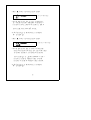
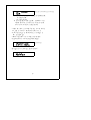
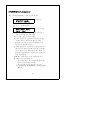
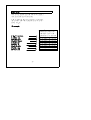
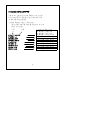
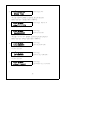
Press the " SETUP Button " once, LCD will show :
1:AD 2:IO 3: TEL
4:RP 5:IM 6:SAVE
SETUP SCREEN
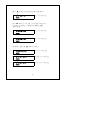
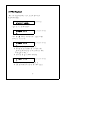
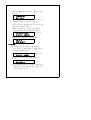
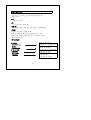
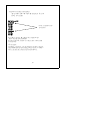
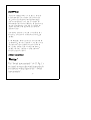
* key in " 4 ", the screen will show
RP SETTING SCREEN
RP old value : xx
RP new value :
@ RP function is to set the duration period of alarm
SMS, the setting unit is minute.
@ When happen alarm, the system will send
alarm SMS per xx minutes, typical set 03 ( 3 minutes ).
@ For example, if key in " RP new value = 03 ",
the alarm SMS message will send per 3 minutes
continuously. The alarm SMS message will stop
when alarm is off or disable.
* After finish to key in the desired value., should press
the " ENTER " button.
* Before finish the " RP " setting, it should press
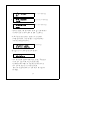
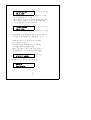
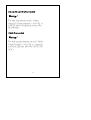
" SETUP Button " once to return the SETUP SCREEN :
1:AD 2:IO 3: TEL
4:RP 5:IM 6:SAVE
SETUP SCREEN
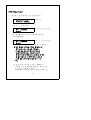
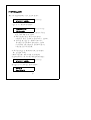
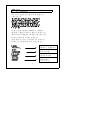
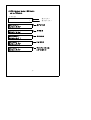
Then key in " 6 " ( SAVE ), LCD will show :
Save OK!
SETUP->Exit
19