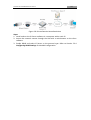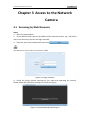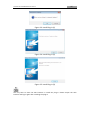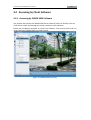
1
35!
User!Manual!of!DINOX!Network!Camera!
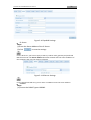
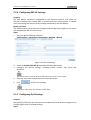
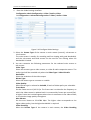
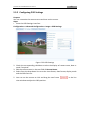
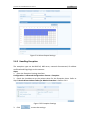
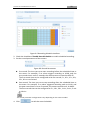
1. Enter!the!QoS!Settings!interface:!
Configuration!>Advanced!Configuration!>)Network!>!QoS! !
!
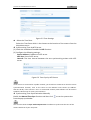
Figure!5X15 QoS!Settings!
2. Configure! the! QoS! settings,! including! video! /! audio! DSCP,! event! /! alarm! DSCP!
and!Management!DSCP.!
The!valid!value!range!of!the!DSCP!is!0X63.!The!bigger!the!DSCP!value!is!the!higher!
the!priority!is.!
!
SCP!refers!to!the!Differentiated!Service!Code!Point;!and!the!DSCP!value!is!used!in!the!IP!
header!to!indicate!the!priority!of!the!data.!
3. Click!
! to!save!the!settings.!
!
A!reboot!is!required!for!the!settings!to!take!effect.&
&
5.3.8 Configuring!FTP!Settings!
Purpose:&
You!can!configure!the!FTP!server!related!information!to!enable!the!uploading!of!the!
captured! pictures! to! the! FTP! server.! The! captured! pictures! can! be! triggered! by!
events!or!a!timing!snapshot!task.!
Steps:!
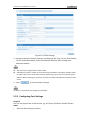
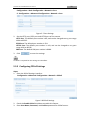
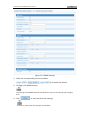
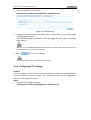
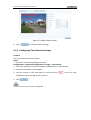
1. Enter!the!FTP!Settings!interface:!
Configuration!>Advanced!Configuration!>)Network!>!FTP! !