1
Arranging Separations
175
Arranging Separations
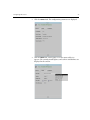
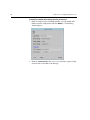
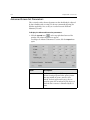
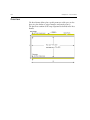
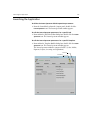
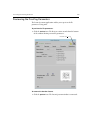
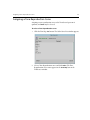
The dimensions of the expose area on film are user defined. Selecting a
Layout mode determines how images are arranged on the defined expose
area.
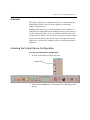
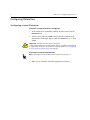
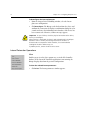
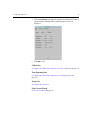
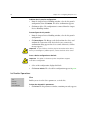
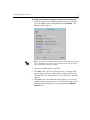
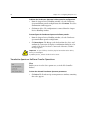
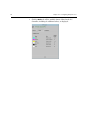
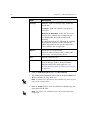
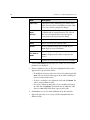
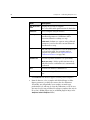
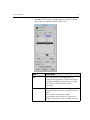
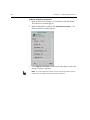
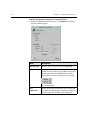
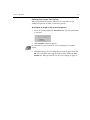
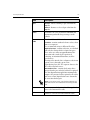
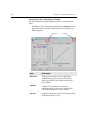
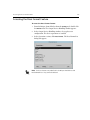
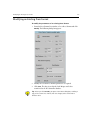
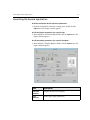
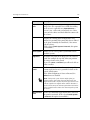
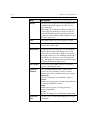
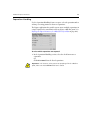
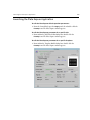
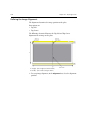
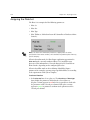
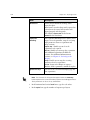
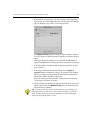
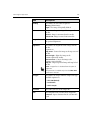
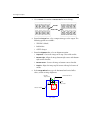
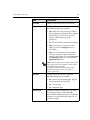
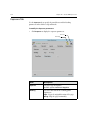
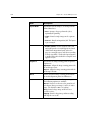
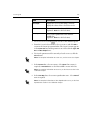
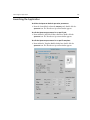
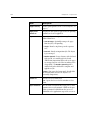
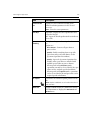
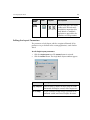
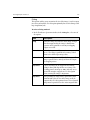
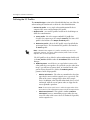
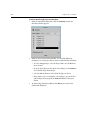
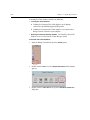
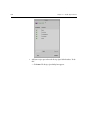
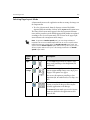
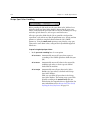
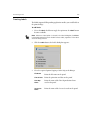
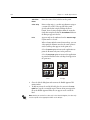
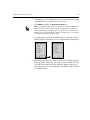
¾ To select a Layout mode, click one of the following icons:
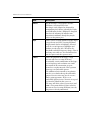
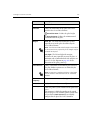
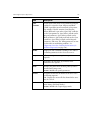
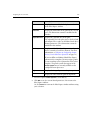
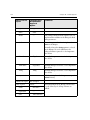
Auto
Arrange
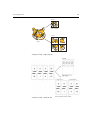
The Auto Arrange Layout option automatically arranges the
individual pages or separations on the expose area. Select
this option when the position of the images relative to one
another is not pre-set.
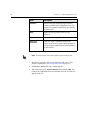
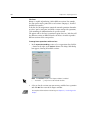
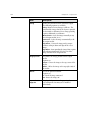
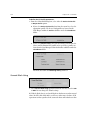
Single
The Single Layout option outputs only one separation per
defined expose area.
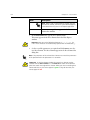
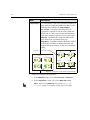
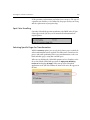
External
Use the External Layout option when you are exposing
Imposition Layouts that were created in a Macintosh
Impositioning or packaging application, such as Preps, or in
the Layout Assembly application. External Layout preserves
the position of the images relative to one another, as defined
by the Imposition application.
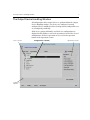
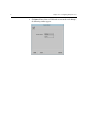
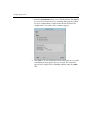
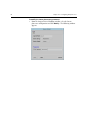
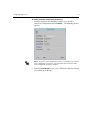
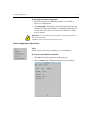
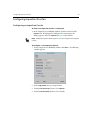
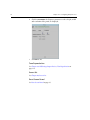
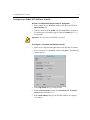
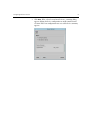
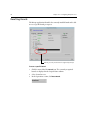
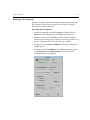
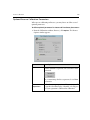
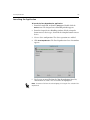
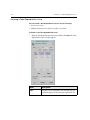
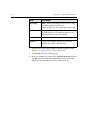
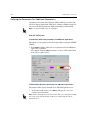
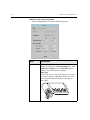
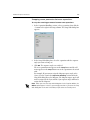
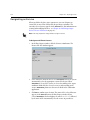
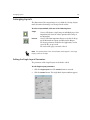
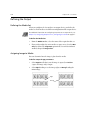
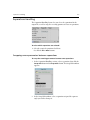
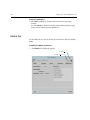
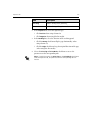
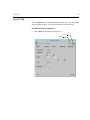
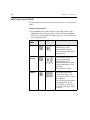
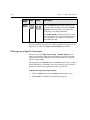
Defining Layout Parameters
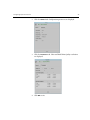
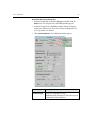
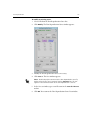
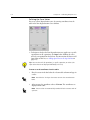
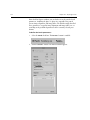
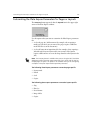
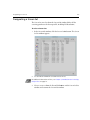
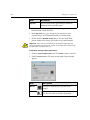
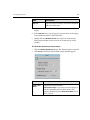
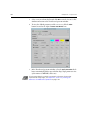
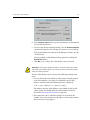
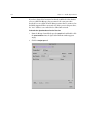
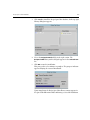
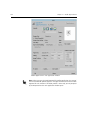
From the Expose application you can define Layout parameters.