1
196
Chapter 42 – Exposing To Film
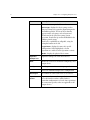
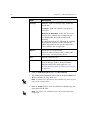
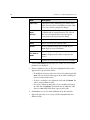
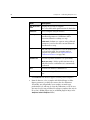
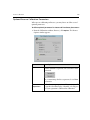
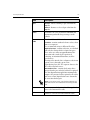
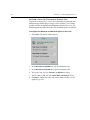
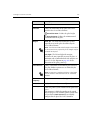
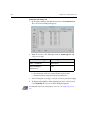
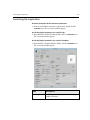
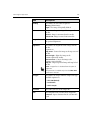
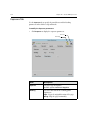
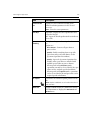
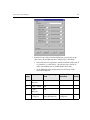
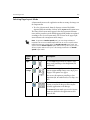
Item
Description
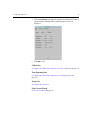
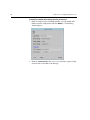
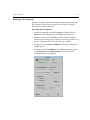
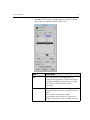
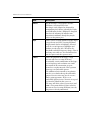
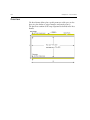
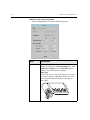
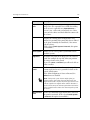
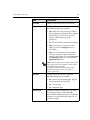
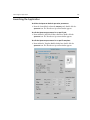
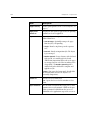
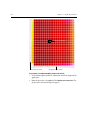
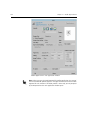
Margins
You may create margins along the Top, Bottom, Left
and Right sides of the exposure to reduce the area
exposed on film.
For example, if the film generated by the imagesetter
is larger than the proof sheet, to make sure that the
part of the film that extends beyond the proof sheet
contains no exposed images, define margins to reduce
the film’s expose area.
Scale
This option enables you scale the image at output.
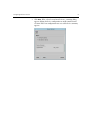
Expose Media
Define the film size when the connected imagesetter is
a Dolev 800 or Dolev 800V.
Unload Policy
Determines when the imagesetter cuts and unloads
the film. Relevant for accumulating cassettes only
(Dolev 2Press or Dolev 4Press families), this option
determines whether cassette unloading will take place
on a full cassette (20 meters), or at the end of each
Job. (This option does not prevent you from manually
unloading film from the imagesetter.)
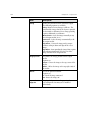
No. of Copies
Lets you select the number of times each Layout is
exposed (maximum 10 copies).
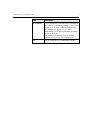
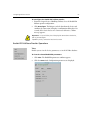
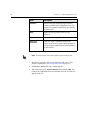
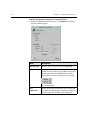
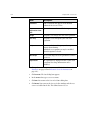
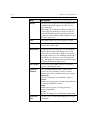
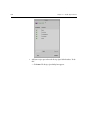
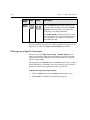
Separation
Handling
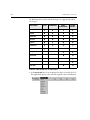
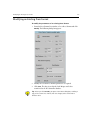
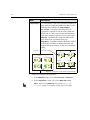
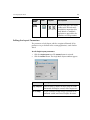
The Separation Handling feature enables you to
expose selected separations, swap the screening
parameters between separations, and merge versions.
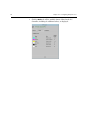
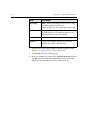
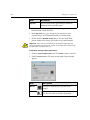
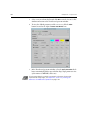
Expose Sep
Select the separations to be modified or exposed.
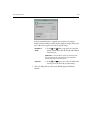
Version
Enables you to merge base separation with additional
separations for different versions.
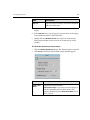
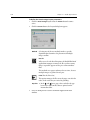
Swap
Enables you to swap the screening parameters
between separations.
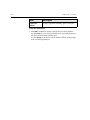
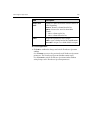
B. Line
Instructs the Brisque to send a Blueline proof to film.
Ignore Pack
Seps
Selects or clears selection of Packaging type Die Line
separations.