1
CHAPTER 6
mikroPASCAL PRO for AVR
Libraries
Library Example
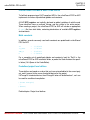
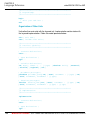
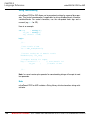
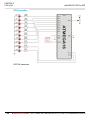
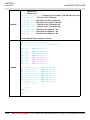
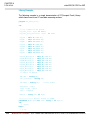
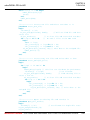
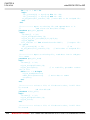
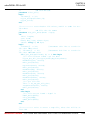
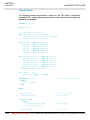
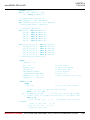
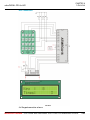
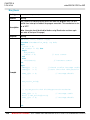
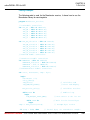
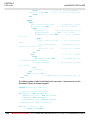
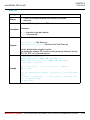
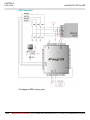
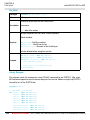
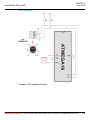
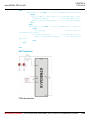
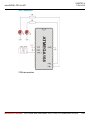
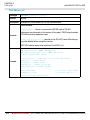
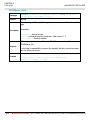
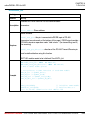
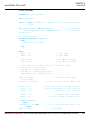
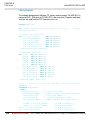
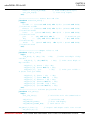
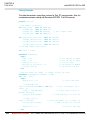
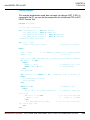
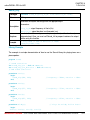
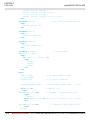
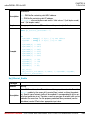
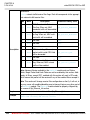
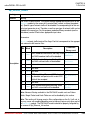
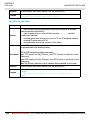
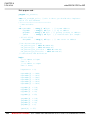
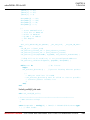
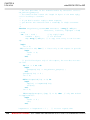
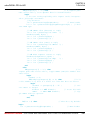
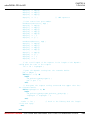
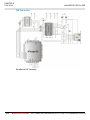
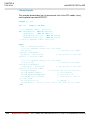
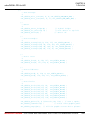
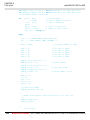
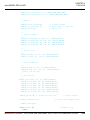
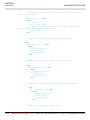
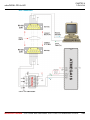
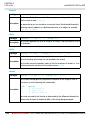
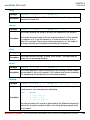
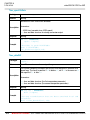
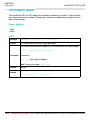
The example changes PWM duty ratio on PB3 and PB7 pins continually. If LED is
connected to PB3 and PB7, you can observe the gradual change of emitted light.
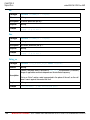
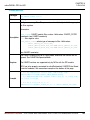
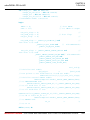
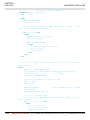
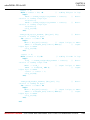
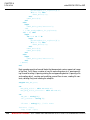
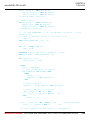
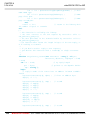
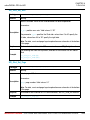
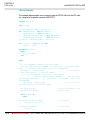
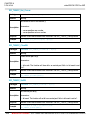
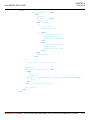
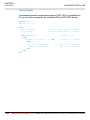
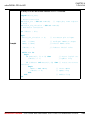
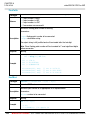
program PWM_Test;
var current_duty : byte;
current_duty1 : byte;
begin
DDRB.B0 := 0;
DDRB.B1 := 0;
// Set PORTB pin 0 as input
// Set PORTB pin 1 as input
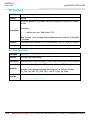
DDRC.B0 := 0;
DDRC.B1 := 0;
// Set PORTC pin 0 as input
// Set PORTC pin 1 as input
current_duty
current_duty1
:= 127;
:= 127;
// initial value for current_duty
// initial value for current_duty
DDRB.B3 := 1;
// Set PORTB pin 3 as output pin
for the PWM (according to datasheet)
DDRD.B7 := 1;
// Set PORTD pin 7 as output pin
for the PWM1 (according to datasheet)
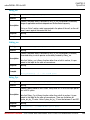
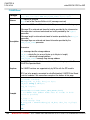
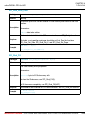
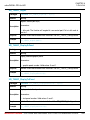
PWM_Init(_PWM_PHASE_CORRECT_MODE,
_PWM_NON_INVERTED, 127);
_PWM_PRESCALER_8,
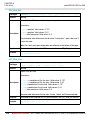
PWM1_Init(_PWM1_PHASE_CORRECT_MODE,
_PWM1_NON_INVERTED, 127);
_PWM1_PRESCALER_8,
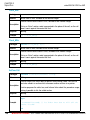
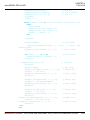
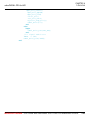
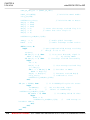
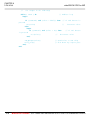
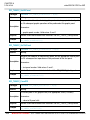
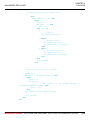
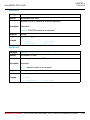
while TRUE do
begin
if (PINB.0 <> 0) then
begin
// Detect if PORTB pin 0 is pressed
Delay_ms(40);
// Small delay to avoid deboucing effect
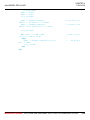
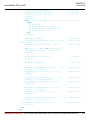
Inc(current_duty);
// Increment duty ratio
PWM_Set_Duty(current_duty);
// Set incremented duty
end
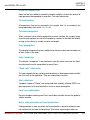
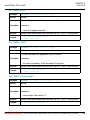
else
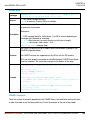
if (PINB.1 <> 0) then
// Detect if PORTB pin 1 is pressed
begin
Delay_ms(40);
// Small delay to avoid deboucing effect
Dec(current_duty);
// Decrement duty ratio
PWM_Set_Duty(current_duty);
// Set decremented
duty ratio
end
328
MIKROELEKTRONIKA - SOFTWARE AND HARDWARE SOLUTIONS FOR EMBEDDED WORLD