1
Locationing
2-5
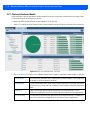
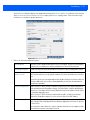
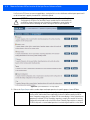
4. Select the Display Filter drop-down menu to view site filtering options.
The filter displays information 1 Week or 1 Month, includes filtering up to the top fifteen or bottom ten sites, and displays
information by Customers or Dwell Time spent within a product category. Column selections vary depending on the
choice for Customer Visibility.
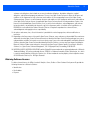
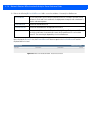
Figure 2-6 MPact Dashboard Insights - Display Filter Options
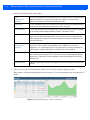
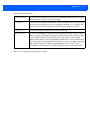
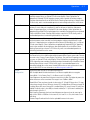
5. Refer to the following Display Filter options:
View By
Use the drop-down menu to set incremental data for one week or one month.
Show By
Use the arrows to select up to the top fifteen or the bottom ten ranked sites for display.
Customer
Visibility
Set Customer Visibility for either of the following:
• Customers: Shows users occupying the site at a given time.
• Dwell Time (Engagement): Shows users occupying the site based on their dwell time.
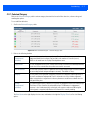
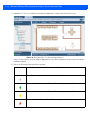
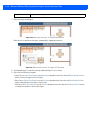
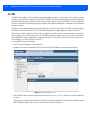
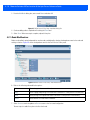
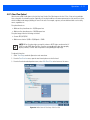
6. Use the drop-down menus to the right of each column to sort and filter the display columns. Options for columns are similar,
based on previously selected Display Filter options. Select a column’s drop-down menu to sort data in an ascending or
descending order and select display headings.
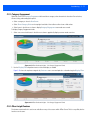
Figure 2-7 MPact Dashboard Insights - Selected Category Column Sort Options