1
SPECTRALIS 2
Help needed? The integrated Spectralis Help-System
9.0 Help needed? The Integrated Spectralis Help-System
The Spectralis is a very deep and complex machine. Especially the analog
synthesizer has countless features to create new sounds and to control every
single detail of the timbre you are creating. Sometimes you may need some
help. Just the oscillator section comes with hundreds of parameters. Sometimes
you are may wondering what a parameter name shortcut mean. For these
situations we developed a help system that allows to show up desriptions for all
parameters. Just try the following to get familiar with the integrated help system:
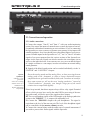
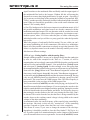
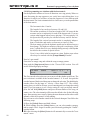
1.) Press [Level] inside the filterbank edit section to assign the encoder row to
the filter bank parameters.
2.) Now press any of the 10 Filterbank Level encoder buttons to open the
filterbank configuration editor.
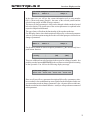
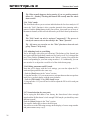
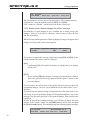
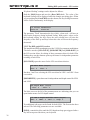
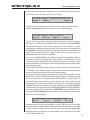
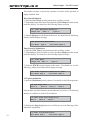
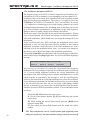
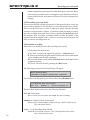
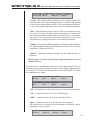
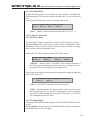
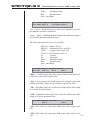
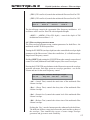
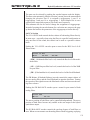
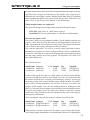
3.) The following display dialog will apear:
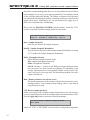
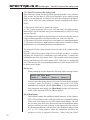
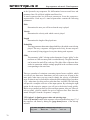
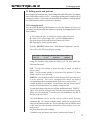
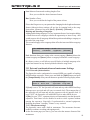
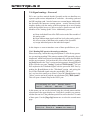
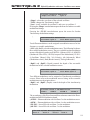
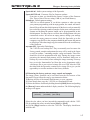
1/4:Filterbank Configuration
Morph:10
Morph:10 FbQ:130
FbFs:15
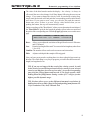
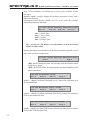
4.) You may would like to know, what the parameter "FbQ" controls in the
filterbank. Just press and hold down the [Shift]-button and press the encoder
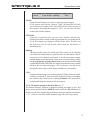
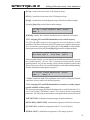
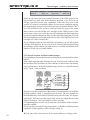
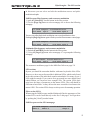
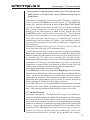
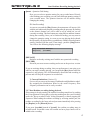
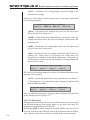
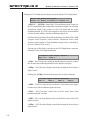
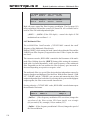
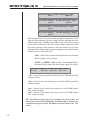
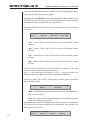
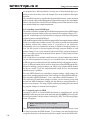
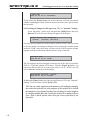
button underneath [FbQ]. This will open the following message:
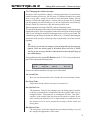
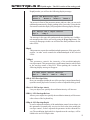
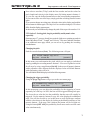
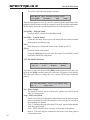
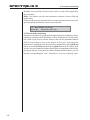
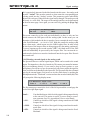
Filterbank Q adjust
see [FILTERBANK]
5.) Now you already know, that "FbQ" controls the Q-factor of the fixed filterbank
filters.But you may would like to know more about the filterbank itself The
word filterbank is marked with edged brackets. That shows you, that there are
additional informations available for the subject "Filterbank". You can show up
this info by pushing the encoder button next to the entry [Filterbank]. Press the
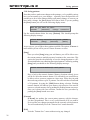
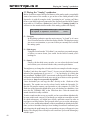
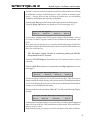
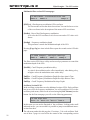
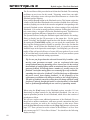
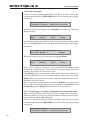
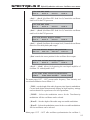
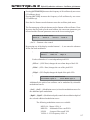
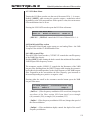
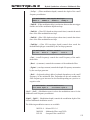
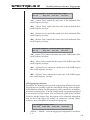
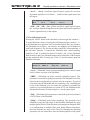
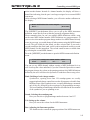
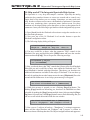
second encoder button now. A new help system message will appear:
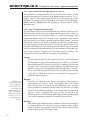
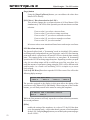
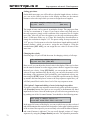
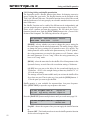
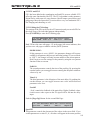
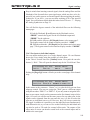
The fixed filterbank
The fixed filterbank has 8 [BANDPASSES]
6.) While this message is opened you see a flashing [Page-Up] button. The
flashing [Page]-buttons are informing you, that there are additional text lines
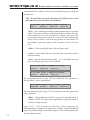
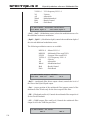
selectable by pushing the [Page]-buttons multiple times.After pressing the [PageUp] button a second time, both [Page]-buttons start to flash indicating, that you
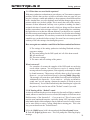
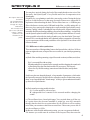
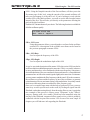
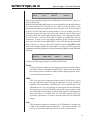
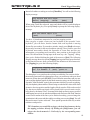
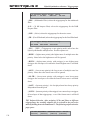
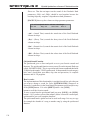
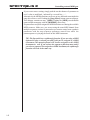
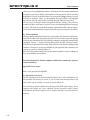
can now scroll in both directions inside the text.window.
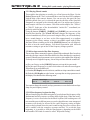
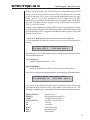
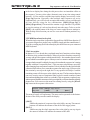
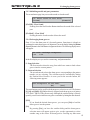
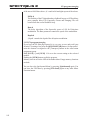
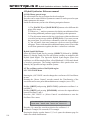
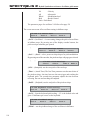
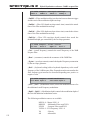
The fixed filterbank has 8 [BANDPASSES]
plus a <highpass>- and <lowpass>-filter.
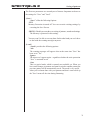
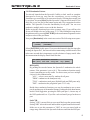
7.) Now you see 3 subjects in brackets - "Bandpasses" is written in uppercase
letters and has edged brackets and "Highpass" and "Lowpass" is written in
lowercase letters with sharp brackets. The subject in edged brackets and uppercase
149