1
7. Using Filters (2/16)
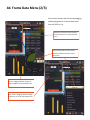
a. Using Filters (2/2)
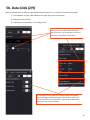
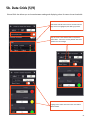
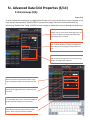
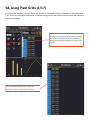
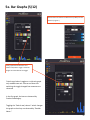
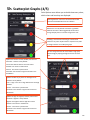
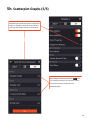
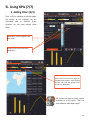
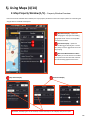
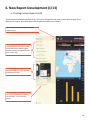
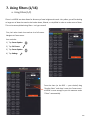
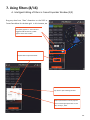
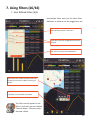
Drag “Reseller Cost” measure from Data Grid
to frame data menu.
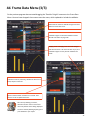
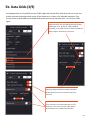
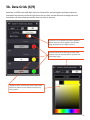
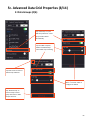
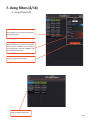
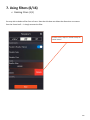
Select “Greater than or equal to” for Reseller
Cost” and enter “2000000.” Select “Equal to”
for “Reseller Sales” and enter “4000000.” Tap
the checkmark when done.
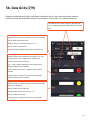
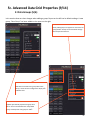
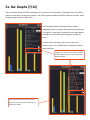
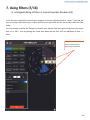
Tap Save to apply these changes.
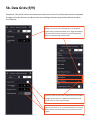
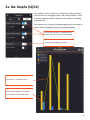
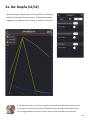
Result of applying both filters.
155