1
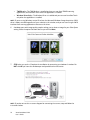
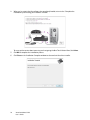
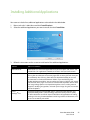
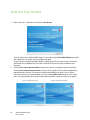
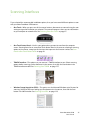
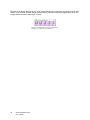
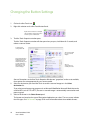
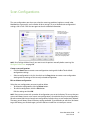
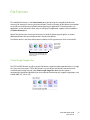
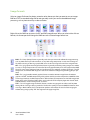
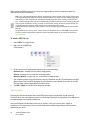
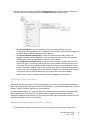
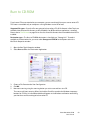
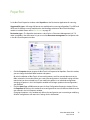
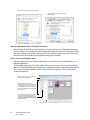
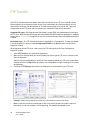
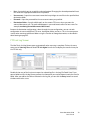
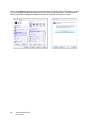
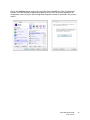
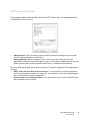
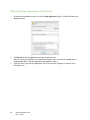
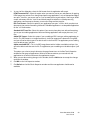
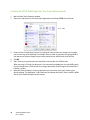
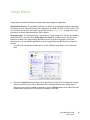
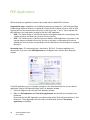
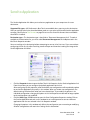
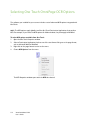
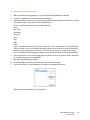
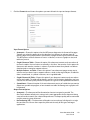
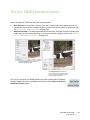
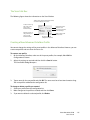
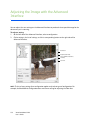
The One Touch Button Panel, that you see on the computer screen, shows the pre-set function for each
button (such as Email) and the icon of the destination (called the Destination Application) where the
images will be sent when scanning is finished.
The One Touch button panel shows which application
the button is configured to send images to.
38
Xerox DocuMate 3220
User’s Guide