1
Using the Menu
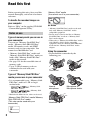
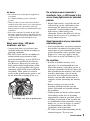
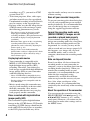
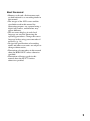
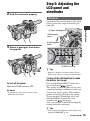
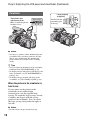
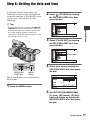
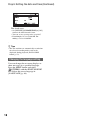
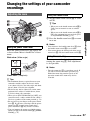
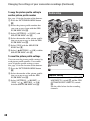
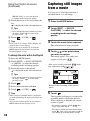
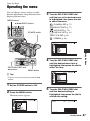
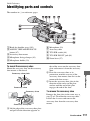
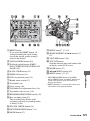
Operating the menu
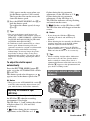
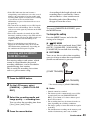
You can change various settings or make
detailed adjustments using the menu items
displayed on the screen.
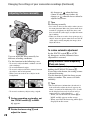
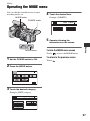
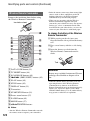
MENU button
V/v/B/b/EXEC buttons
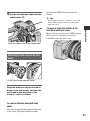
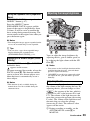
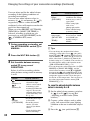
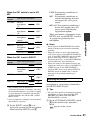
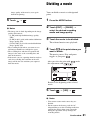
3 Turn the SEL/PUSH EXEC dial
until the icon of the desired menu
is highlighted, then press the dial
to select the menu.
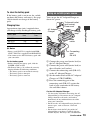
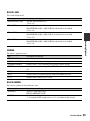
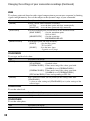
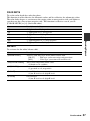
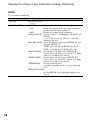
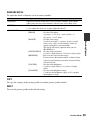
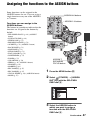
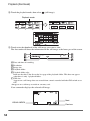
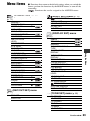
CAMERA SET (p. 71)
REC/OUT SET (p. 77)
AUDIO SET (p. 78)
POWER switch
DISPLAY SET (p. 81)
TC/UB SET (p. 85)
OTHERS (p. 86)
SEL/PUSH EXEC dial/
B/b buttons
MENU button
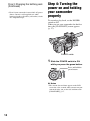
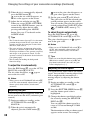
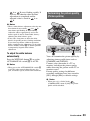
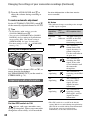
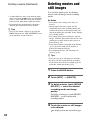
until the desired menu item is
highlighted, then press the dial to
select the item.
Using the Menu
4 Turn the SEL/PUSH EXEC dial
z Tips
• You may select menu items also with the B/b
buttons.
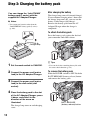
1 Set the POWER switch to ON.
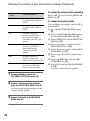
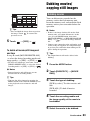
5 Turn the SEL/PUSH EXEC dial
2 Press the MENU button.
The menu screen appears.
until the desired setting is
highlighted, then press the dial to
confirm the setting.
Continued ,
67