1
FriendlyARM English User Manual
Rev.01 (20090909)
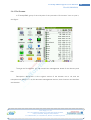
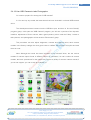
2.4.1 Touch Screen Calibration
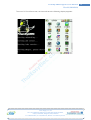
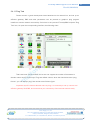
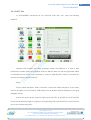
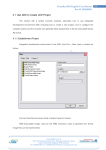
Description: In accordance with the following steps if there is no accurate calibration,
you can connect USB mouse, in the "Settings" in the open the "Calibration", and then start all
over again. In both cases can be corrected touchscreen interface:
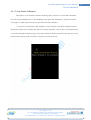
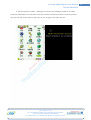
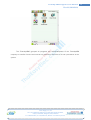
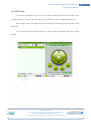
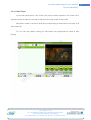
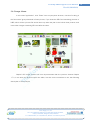
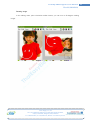
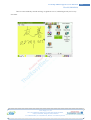
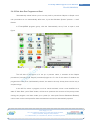
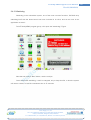
1. If you are in accordance with Chapter 3 of the steps to re-install the Qtopia system,
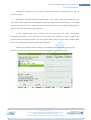
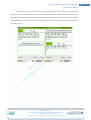
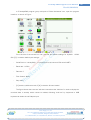
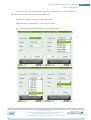
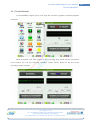
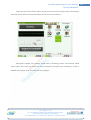
restart the system are as follows first touch correction interface, click on the screen depending
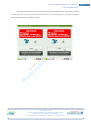
on screen prompts to begin tuning in any place; and then follow the screen prompts, the use of
touchscreen step-by-step click on the 10-type cross-point can be.
Venus Supply Co., Ltd.
196/1, Soi Thedsaban-Nimit-Nau 8, Thedsaban-Nimit-Nau Road,
Ladyao, Chatuchak, Bangkok, 10900, Thailand
Tel. +(66)2954-2408 , Fax. +(66)2953-8443, Website: www.thaieasyelec.com
71