1
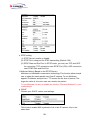
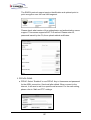
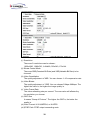
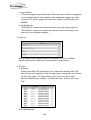
e. RTSP setting
(i) RTSP Server: enable or disable
(ii) RTSP Port: setup port for RTSP transmitting (Default: 554)
(iii) RTSP Start and End Port: in RTSP mode, you may use TCP and UDP
for connecting. TCP connection uses RTSP Port (554). UDP connection
uses RTSP Start and End Port.
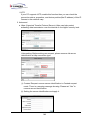
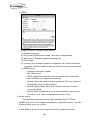
f. Multicast Setting (Based on the RTSP Server)
Multicast is a bandwidth conservation technology. This function allow several
user to share the same packet sent from IP camera. To use Multicast,
appoint IP Address and port here. TTL means the life time of packet, The
larger the value is, the more user can receive the packet.
To use Multicast, be sure to enable the function "Receive Multicast" in your
media player.
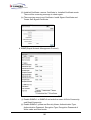
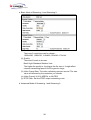
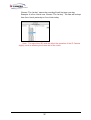
g. ONVIF
Choose your ONVIF version and settings.
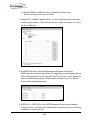
h. Bonjour
This function enable MAC systems to link to this IP camera. Key in the
name here.
23