1
Destination
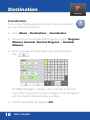
In Different City
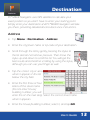
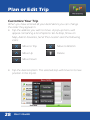
• Enter the city/town
name or zip code of
your destination.
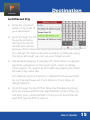
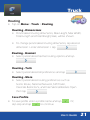
• Scroll through the list
by gently pressing
the stylus to the list
and do not remove
pressure. Then move the stylus up and down to scroll the list.
You will get the best results and smoother scrolling by using
the stylus, although you can use your finger as well.
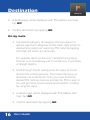
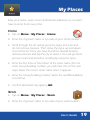
• Tap desired category. If category of choice does not appear,
tap more categories on the lower right screen to display
more options. Or, search by POI name by tapping the lower
left search by name tab.
For example tap Truck Services > desired truck services from
list, such as Highway exit, Truck Services, Truck Stops, or
Weigh Stations.
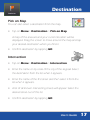
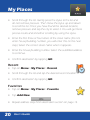
• Scroll through the list of POIs. Note that the distance listed
here are measured from the approximate center of the city,
not from your current location. Once you’ve found the desired POI, tap the POI to select it.
User’s Guide
15