1
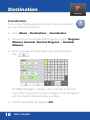
Detour
Detours
You can program PC*MILER Navigator to make a
detour around part of the calculated route.
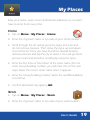
Avoid Roads
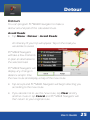
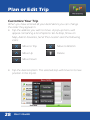
• Tap Menu > Detour > Avoid Roads.
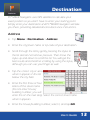
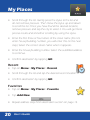
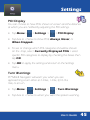
An itinerary of your trip will appear. Tap on the road you
would like to avoid.
PC*MILER Navigator
will take a few moments
to plan an alternative to
the selected road.
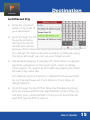
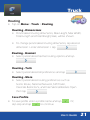
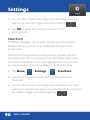
PC*MILER Navigator will
display any change in
distance and/or time
the new route and display a map of the new route.
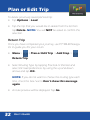
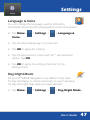
• Tap Accept and PC*MILER Navigator will begin directing you
according to the new route.
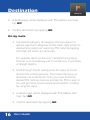
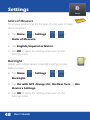
• If you decide not to use the new route, tap Clear and try
another route or tap Cancel and PC*MILER Navigator will
then return to your original route.
User’s Guide
25