1
NDR-BA3104
User’s manual ver.1.0
RECORDER’S CONFIGURATION
5.1.4. Schedule
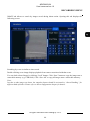
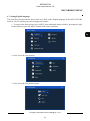
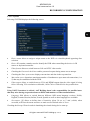
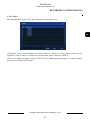
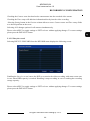
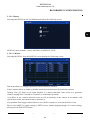
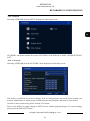
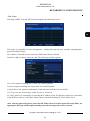
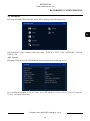
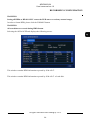
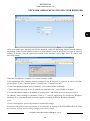
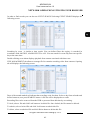
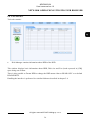
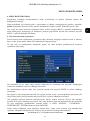
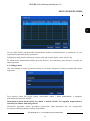
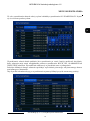
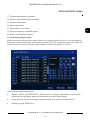
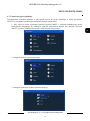
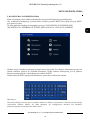
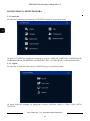
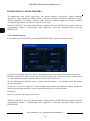
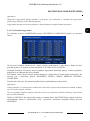
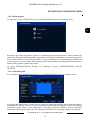
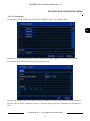
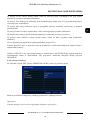
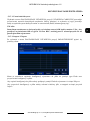
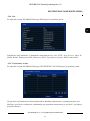
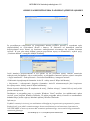
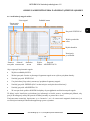
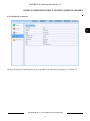
Selecting SCHEDULE from the SETUP menu displays the following screen:
DVR conducts recording in accordance with defined schedules. Creating complex schedules allows to
tailor recording parameters to the system and available HDD space. Schedule is presented as a table,
with possibility of defining settings for each of the channels in particular days and hours.
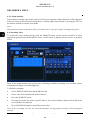
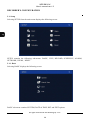
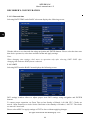
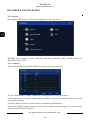
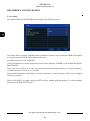
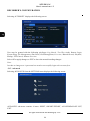
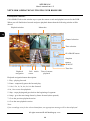
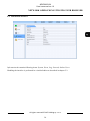
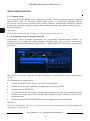
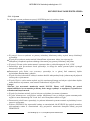
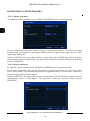
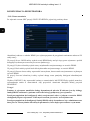
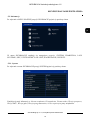
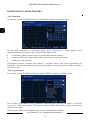
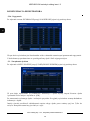
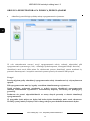
SCHEDULE contains following items: SCHEDULE, MOTION, EXIT.
5.1.4.1. Schedule
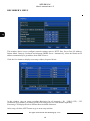
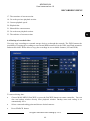
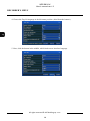
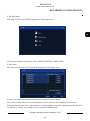
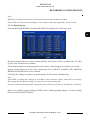
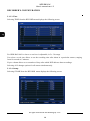
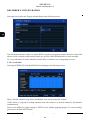
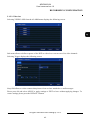
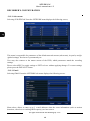
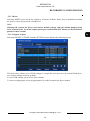
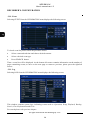
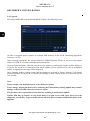
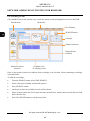
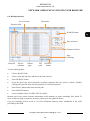
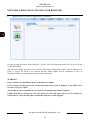
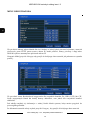
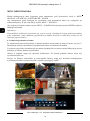
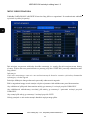
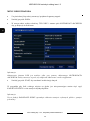
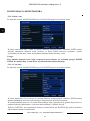
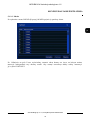
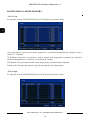
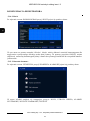
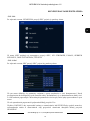
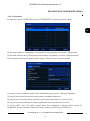
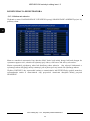
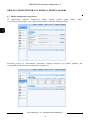
Selecting SCHEDULE from the SCHEDULE allows to define continues recording mode:
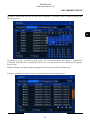
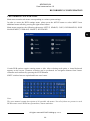
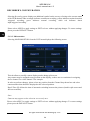
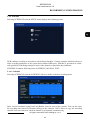
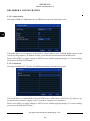
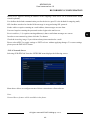
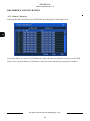
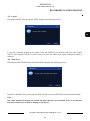
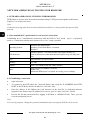
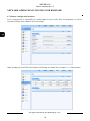
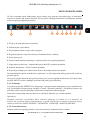
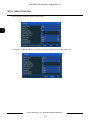
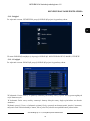
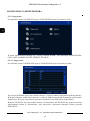
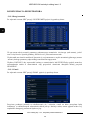
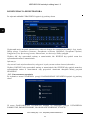
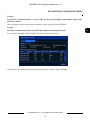
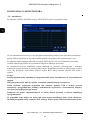
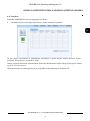
Draw a desired schedule using Pencil and Rubber icons for each of the cameras. You can also enter
the recording time interval by double-clicking on the calendar. COPY allows to copy the recording
schedule from one camera to a desired channel or all channels simultaneously.
All rights reserved © AAT Holding sp. z o.o.
41