1
GWAVA 3.6
91
Stopping analysis
T
here may be times when, depending upon your configuration, you wish to halt GWAVA’s analysis. For
example, during a virus outbreak, an administrator may wish to save system resources by simply halting
GWAVA’s analysis of mail once an infection is detected so that it is deleted without any more time or
system resources taken up. Also, the notifications and statistics will only reflect the events up to that
point.
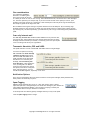
This is sometimes called ‘break on event.’
Adding or Removing an Event or Analysis Break
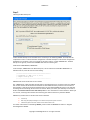
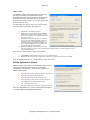
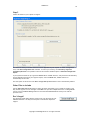
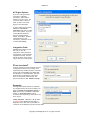
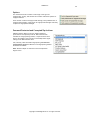
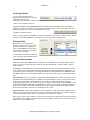
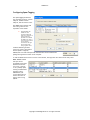
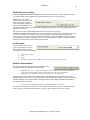
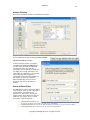
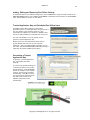
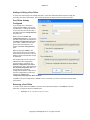
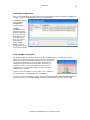
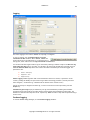
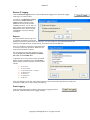
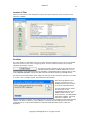
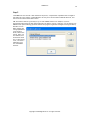
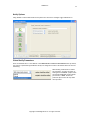
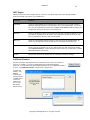
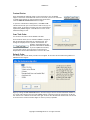
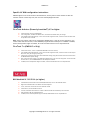
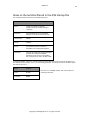
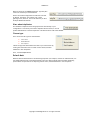
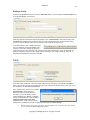
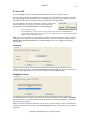
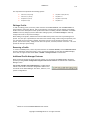
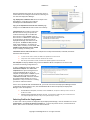
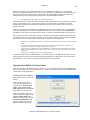
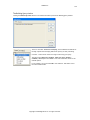
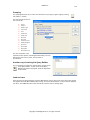
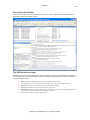
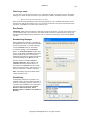
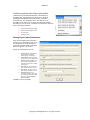
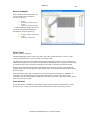
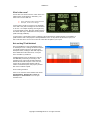
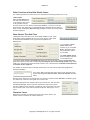
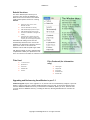
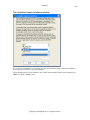
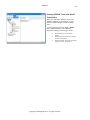
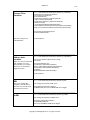
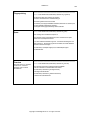
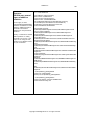
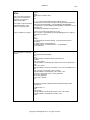
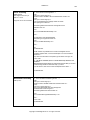
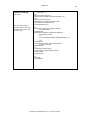
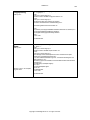
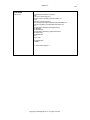
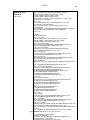
To do this, choose the test desired in the Alter the Task Processing Order screen and click it twice. A stop
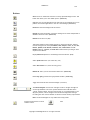
sign will appear to the left of the test. To remove it, double click it again. Note that clicking the root of a
test tree halts the operations inside that tree.
Copyright © 2005 Beginfinite Inc. All rights reserved.