1
Displaying WFT Server
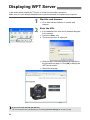
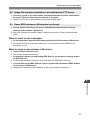
In the web browser, display WFT Server, a screen for transmitter operations.
Make sure you have already established a connection between the camera and computer.
1
2
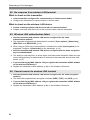
Start the web browser.
First, start Internet Explorer or another web
browser.
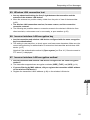
Enter the URL.
In the address field, enter the IP address assigned
to the camera.
Press the <Enter> key.
X The account screen is displayed.
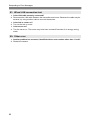
Enter the login name and password as specified in
the procedure on page 41. Click [OK] to display the
WFT Server screen.
Select the language.
If you don’t know the URL (IP address)
You can check the URL (IP address) by accessing [Confirm settings] in the menu (p.48).
42