1
p
TRANSMISSION
PUBLIC SWITCHED TELEPHONE
NETWORK (PSTN)
OVER THE
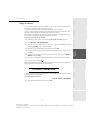
Immediate transmission
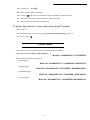
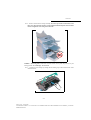
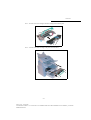
Position the document (refer to paragraph Document positioning, page 5-1).
Enter the fax number or choose your dialling mode (refer to paragraph Dialling, page 5-2) then
press
.
The "Line" icon flashes during the call phase, it stays lit when both faxes are in communication.
At the end of transmission the initial screen is displayed.
Sending in the eco mode
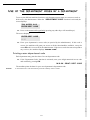
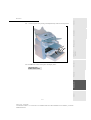
Position the document (refer to paragraph Document positioning, page 5-1).
Enter the call number and press the ECO key to confirm (refer to paragraph Economy period,
page 3-5) then press
.
The "Line" icon flashes during the call phase, it stays lit when both faxes are in communication.
At the end of transmission the initial screen is displayed.
Delayed transmission
This function allows you to transmit a document at a later time.
To program a postponed transmission you need to identify the subscriber number, transmission time,
feeder type and number of pages.
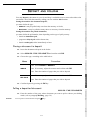
To delay the transmission time of your document:
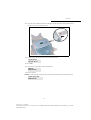
Position the document (refer to paragraph Document positioning, page 5-1).
Select M 31 OK - FAX / TRANSMISSION.
Enter the subscriber number you wish to program at a different time or choose your dialling
mode (refer to paragraph Dialling, page 5-2) and confirm with OK.
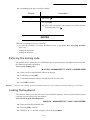
Next to the current time, enter the new time and confirm with OK.
Adjust the contrast and confirm by pressing the OK key.
Select the feed type, FEEDER or MEMORY and confirm with OK (refer to paragraph Document
feed type, page 3-5).
5-4