1
XCSoar User Manual
8. AIRSPACE, TRAFFIC AND TEAM FLYING
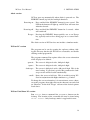
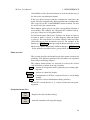
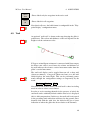
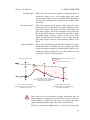
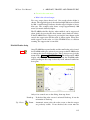
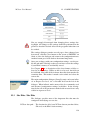
zoomed manually. The Up-Down gesture activates the automatic zoom.
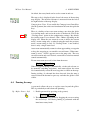
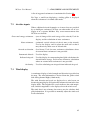
Right - Left
Avg/Alt : The button toggles in-between average vario and altitude
displayed next to the target.
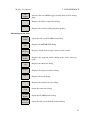
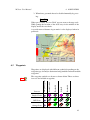
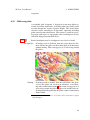
Down - Right
Details : Through the button a separate dialog with all details to the
selected target is accessed.
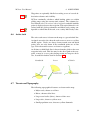
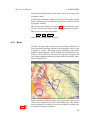
Up/Down
+/- : Manually change the zoom from 500 meter to 10000 meter
radar range. The zoom gestures also apply here.
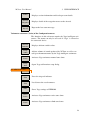
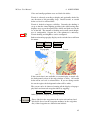
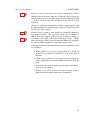
Left/Right
//. : Select the previous or next target on the radar, gestures work
in the same manner.
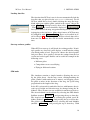
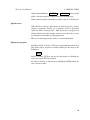
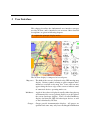
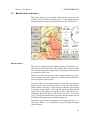
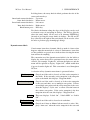
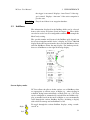
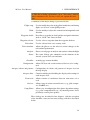
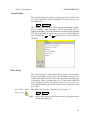
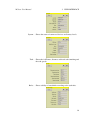
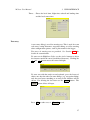
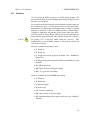
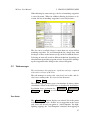
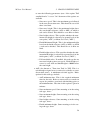
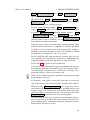
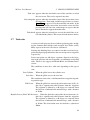
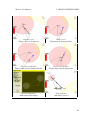
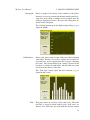
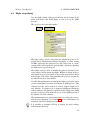
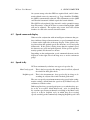
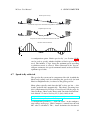
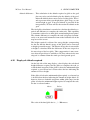
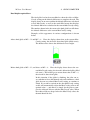
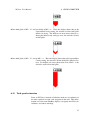
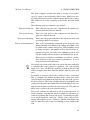
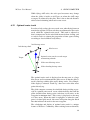
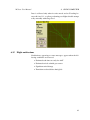
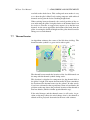
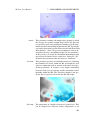
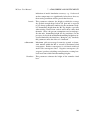
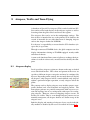
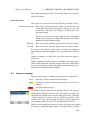
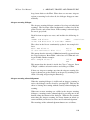
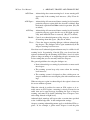
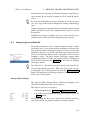
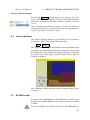
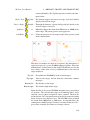
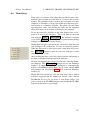
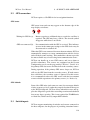
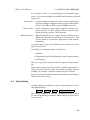
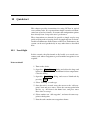
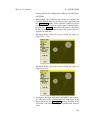
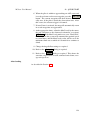
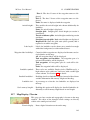
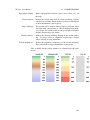
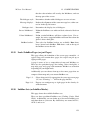
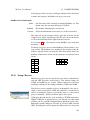
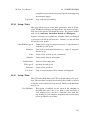
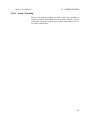
The three screenshots are taken in a sequence and demonstrate a
typical near pass of e.g. two FLARM equippped gliders. The extra
information is colour-coded in the already mentioned way. In the
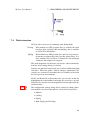
four corners of the radar screen is additional info to the selected
target displayed:
Top left : If available the FLARM Id of the selected target.
Top right : Vario of the target, derived from the consecutive altitude
messages.
Bottom left : The distance to the target.
Bottom right : The relative hight of the target.
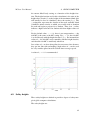
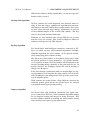
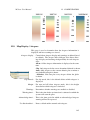
From the first to the second FLARM snapshot were passed about
15 seconds. The selected blue target was climbing with 3.4 m/s
and had a not as threat recognised course relation. Then in the
mean time the ‘DC’ has turned more to the left, became an alerting
threat and gets now displayed red. The FLARM radar switched
the zoom from 1000 meter to 500 meter. In snapshot three the
continuously climbing target becomes classified to threat level 1,
gets yellow coloured and seams to no longer a threat.
116