1
XCSoar User Manual
3.1
3. USER INTERFACE
Button labels and menus
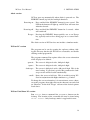
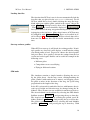
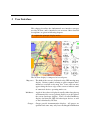
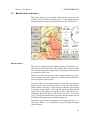
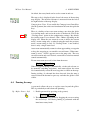
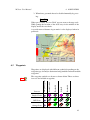
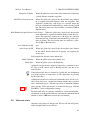
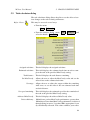
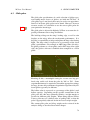
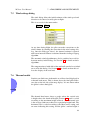
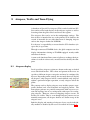
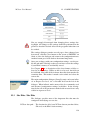
The button menu is a set of buttons drawn on the screen and activated by touch or hardware button presses. Using buttons and the
button menu is the primary way the user interacts with XCSoar.
Interface basics
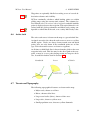
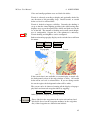
The menu is organised into four different groups of functions, usually in the form of a hierarchy. The specific menu layout depends
on the hardware button configurations and platform, and may also
be customised by the user.
XCSoar can also accept input from external keyboards, gamepads, joysticks, stick grip switches etc. A wide variety of functions
can be assigned to these inputs.
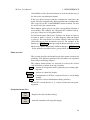
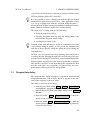
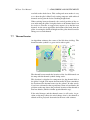
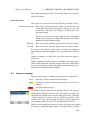
For Altair, there are four major menus, activated by pressing one
of the vertical strip of hardware buttons on the left of the display.
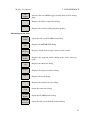
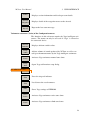
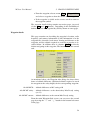
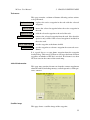
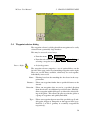
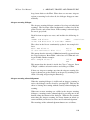
When a menu is activated, a strip of onscreen buttons appear along
the bottom of the display. Pressing the particular menu button
again will cycle through several pages of items. Pressing the corresponding horizontal button will activate that item. At the last
page, pressing the menu button again will turn that menu off and
the horizontal strip of onscreen buttons disappear.
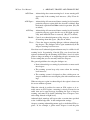
On the PC version, these mode buttons are activated by the 1, 2, 3
and 4 keys. The 6, 7, 8, 9 and 0 keys correspond to the horizontal
strip of buttons.
23