1
RELATIVE mV MEASUREMENTS
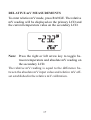
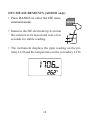
To enter relative mV mode, press RANGE. The relative
mV reading will be displayed on the primary LCD and
the current temperature value on the secondary LCD.
Note: Press the right or left arrow key to toggle between temperature and absolute mV reading on
the secondary LCD.
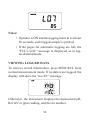
The relative mV reading is equal to the difference between the absolute mV input value and relative mV offset established in the relative mV calibration.
17