1
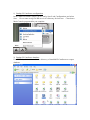
Execute the Export database service and browse to a directory as export destination
for backup.
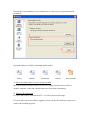
Exported database would be something similar to this:
3) Move recorded videos to a new storage location
Move previously recorded videos to a safe new storage location such as NAS or
another computer so that the valuable data is not lost when reformatting.
4) Remove IP CamSecure
For users who want to reformat their PC, it is safe to do so at this stage.
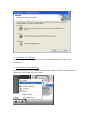
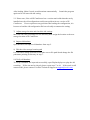
For users who want to do software upgrade, please run the IP CamSecure setup.exe to
remove the installed program