1
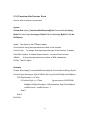
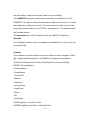
for each record, or copy slides for some records. If the length of the range is 1
row/column, you need to reserve 1 or 2 rows/columns in one slide. Otherwise
you must reserve all blank rows/columns for records in one slide. The default
range is the area that includes all cells for the records.
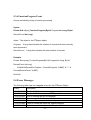
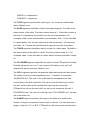
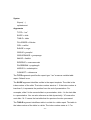
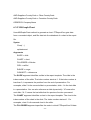
The IMAGE argument specifies the fields are picture files. The fieldlist is the
list of data source fields separated by the “,” character. You can identify a field
using the name of field or the index number of field, but not simultaneously. In
data source, you stored the path and file name of the picture, not the picture.
The file path can be a relative path, an absolute path or a URL. If it is a relative
path, the base path is the path of the report template file.
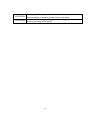
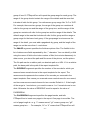
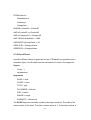
The RESERVE argument specifies the number of the records for which you
reserved some rows/columns in the report template for the report. The
reserverecords represents the number of the records you reserved in the
report template. One means you reserved some rows/columns for one record,
and two means some rows/columns for two records. Default is 1. If the length
of the range is 1 row/column, you need to reserve 1 or 2 rows/columns in one
slide. Otherwise the value of RESERVE must be equal to the value of
PAGEBREAK.
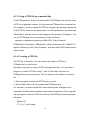
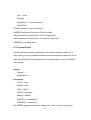
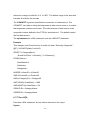
The PAGEBREAK argument specifies the page breaks, and tells
PTReportCom to insert new pages in the report. One page is one slide. The
unit of page length is r that means record. For example, “6r” or “6” means that
PTReportCom will put 6 records per slide. Default is no page break. If the
length of the range is more than 1, the value of PAGEBREAK must be equal to
the value of RESERVE.
The NODATA argument specifies an option when no data are returned from
data source. If the value is "delrange", PTReportCom will delete the range
when no data are returned. "deltable" means to delete the table. "delslide"
means to delete the slide. Default is to do nothing.
- 83 -