1
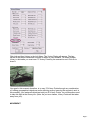
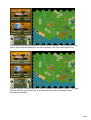
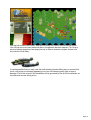
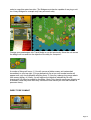
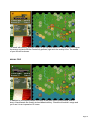
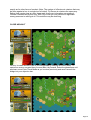
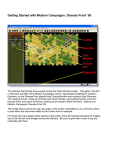
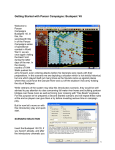
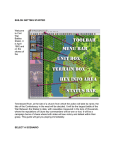
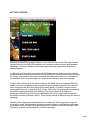
Press the Alt key and map labels will appear. Click Alt Label Style in the Settings Menu to
toggle an alternate label appearance. Pressing Shift+Alt will leave these labels on screen
until the Shift key is pressed again.
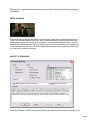
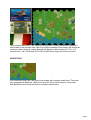
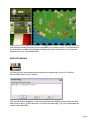
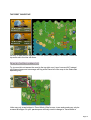
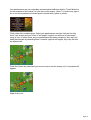
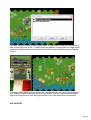
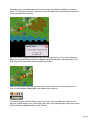
In this scenario most of your forces start on map and are colored orange and green.
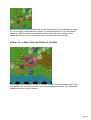
Some of the enemy’s units are visible and are colored blue. With Fog of War all, some or
none of a scenario’s enemy presence will be revealed depending on what your forces
may see at a given time.
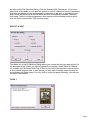
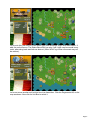
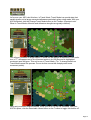
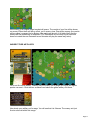
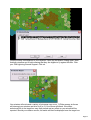
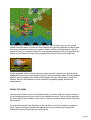
(Tip: Click the Divisional Markings button on the Toolbar to add further color-coding to
units).
Page 5