1
USB & Printer Server User’s Manual
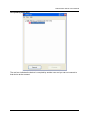
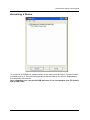
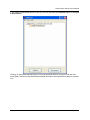
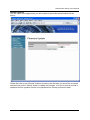
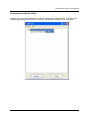
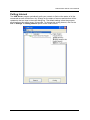
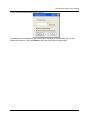
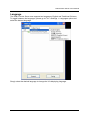
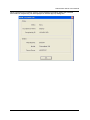
And select the “Setting” option. If a protective password has been set, this option brings up
the following configuration dialog.
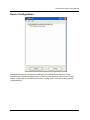
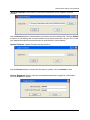
You might be prompted to enter password if a password has been set. If not, you will
immediately see the above dialog.
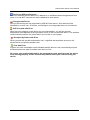
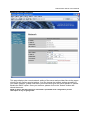
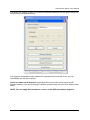
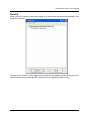
Set Sever Name and IP Address: these fields allow you set the server name and IP
address settings. If you are changing IP address, please make sure you know what you are
doing.
NOTE: You can apply this function to a server under different network segment.
-21-