1
ownCloud User Manual, Release 8.0
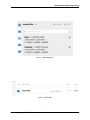
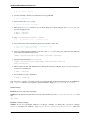
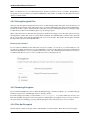
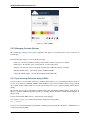
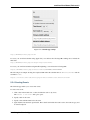
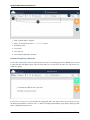
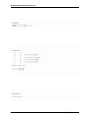
Figure 5.20: Edit event dialog box
5.2.9 Calendar App FAQ
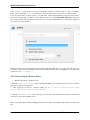
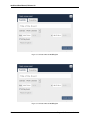
Question: Why does the Calendar app request my current location?
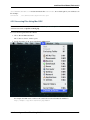
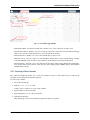
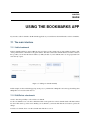
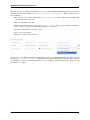
Figure 5.21: Timezone set notification
Answer: The calendar needs your current position to detect your timezone. Without the correct timezone, a time
offset exists between the events in the ownCloud calendar and the desktop calendar to which you are synchronizing.
You can also set the timezone manually in the personal settings.
5.3 iOS - Synchronize iPhone/iPad
5.3.1 Calendar
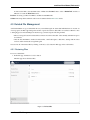
1. Open the settings application.
2. Select Mail, Contacts, Calendars.
3. Select Add Account.
4. Select Other as account type.
5. Select Add CalDAV account.
6. For server, type ADDRESS/remote.php/caldav/principals/username
7. Enter your user name and password.
5.3. iOS - Synchronize iPhone/iPad
49