1
21 . Printer 2012
virtual print drivers such as PDF-XChange. If you find a portion of your output is exceeding the defined
margin/page limits – try setting a margin of a 0.125 Inches or 3.2mm approx and this should correct your
output issues.
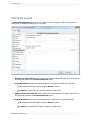
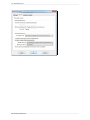
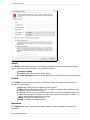
Graphic
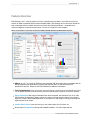
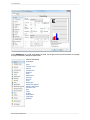
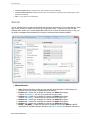
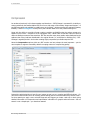
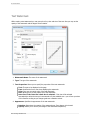
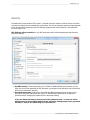
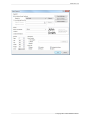
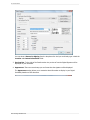
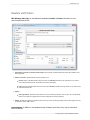
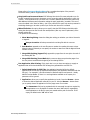
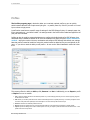
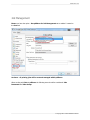
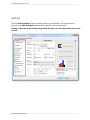
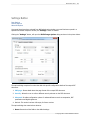
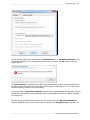
1. Resolution: Set the desired 'DPI' (Dots per inch) for the file pages. This can be any value from 50 to
2400 DPI – though this is also MS Windows OS dependent; some earlier Versions of Windows do not
support DPI settings of such high values.
TIP: Whilst you would not necessarily anticipate this being the case – often (though not always)
increasing the DPI setting can reduce the PDF file size!
2. Scaling: If you believe your 'original' page will be to be too large to fit correctly within the page
parameters set in PDF-XChange, scale the page down below 100% or if required enlarge the source
page to above 100% to fill the page size set. This particularly useful with WEB based source pages as
these can have extended height or width settings and scaling can be particularly useful in printing such
pages.
3. Orientation: Set the page orientation to Portrait (longest edge of the page going vertically)
or Landscape (Longest edge of the page going horizontally).
Page Layout
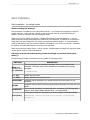
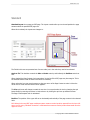
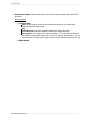
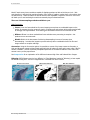
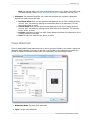
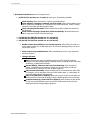
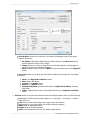
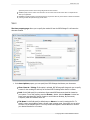
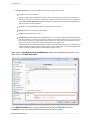
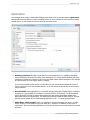
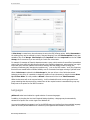
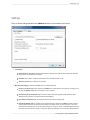
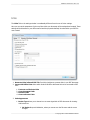
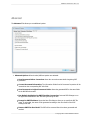
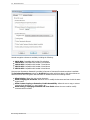
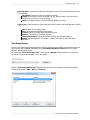
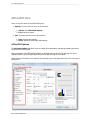
1. Layout Type: Determines one of three kinds of page layouts. There are separate subtopics for each
Layout Type.
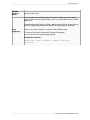
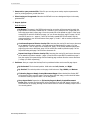
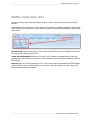
Standard: One page per PDF page.
Booklet: A PDF page layout designed for printing 2-up pages to be bound into paper booklets,
hence the page order may not run the usual 1, 2, 3, 4...
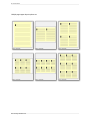
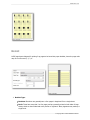
Multiple Pages Per Sheet: Usually used for more than one document page per PDF page.
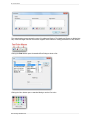
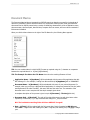
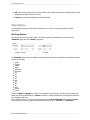
Allowed values are 1, 2, 4, 6, 8, 9, and 16. As you select each value, the layout will displayed in
the graphic to the upper right.
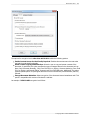
Note: the fields at the bottom of the Layout area change for each selected Layout Type, and are
used to "tune" the final page layout.
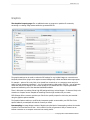
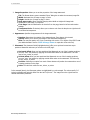
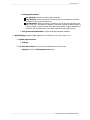
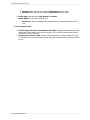
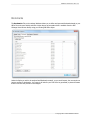
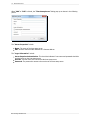
2. Sheet Size. May be Auto, Custom, or a specified standard sheet size.
Subsections of this topic:
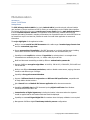
Standard
nUP - Multiple Pages Per Sheet
Booklet
PDF-XChange Standard 2012