1
PWR-ICE250 Manual
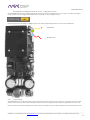
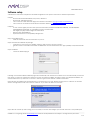
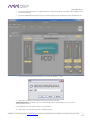
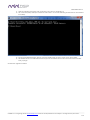
11. While downloading, both green and orange led on the LAN port should light up.
12. The command prompt will output Transfer successful after 9~10 seconds, indicating the firmware was downloaded
successfully.
13. Power off the PWR-ICE2 device. Wait for a second until all leds go off. Then, power on the device again.
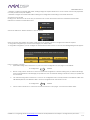
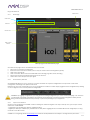
14. The NetBIOS name of the PWR-ICE2 should re-appear as an Ethernet Device under the Device Tree in the PWRICE2_1x2 plugin.
The firmware upgrade is finalized.
miniDSP Ltd – Hong Kong / Email : [email protected] / Features and Specifications are subject to change without prior notice
P 23