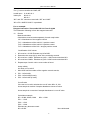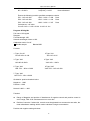
1
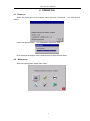
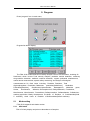
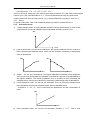
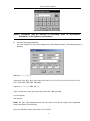
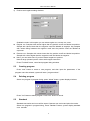
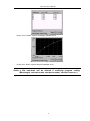
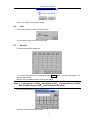
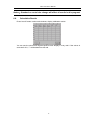
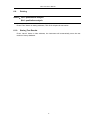
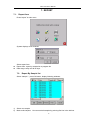
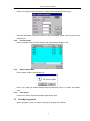
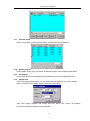
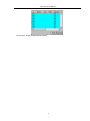
FSA-1510 User‟s Manual 3) Positive and negative setting windows Qualitative mode: In this option you can select regular cov, reverse cov, none. Regular cov: Samples with values higher than the positive cutoff are labeled as positive. Sample with values lower than the negative cutoff are labeled as negative. Any samples with values falling between the negative cutoff and the positive cutoff are labeled as equivocal. Reverse cov: Samples with values lower than the positive cutoff are labeled as positive. Sample with values higher than the negative cutoff are labeled as negative. None: you can select none if you don‟t award negative or positive. Normal range: please input the values with reagent instruction Press “Finished” button, come back program listing windows. 5.3 Creating program Press “new” button to create a new program, and then input the parameters. If the program name has existed, system will warn: “program exists.” 5.4 Deleting program Select one program in program listing, press “delete” button, system display windows: Press “Yes” button to delete program. Press “NO” button to cancel. 5.5 Standard Standard test results and curve will be stored. Operator can review and print the results. Select one program in program listing, Press “standard” button, system display standard conc. and abs. 21