1
Panel-Check – User Manual
Command Formats
Command
:
NODE-COMBINATION
Syntax
:
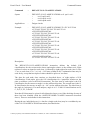
NODE-COMBINATION STATIC combin ns np nsp m s
NODE-COMBINATION DYNAMIC REAL/IMAGINARY
combin ns np nsp m s
Applicable to
:
Fatigue checks
Examples
:
NODE-COMBINATION DYNAMIC REAL 10 25.0 25.0 10.0
30.0 10.0
NODE-COMBINATION STATIC 14 25.3 14.2 7.0 33.8 49.6
Description
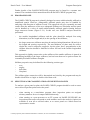
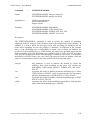
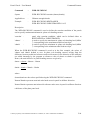
The NODE-COMBINATION instruction is used to input combination data for the node.
The data following the instruction keyword consists of identification of the type of data to
follow (STATIC, DYNAMIC REAL or DYNAMIC IMAGINARY), followed by the
appropriate combination number. This is followed by five items of loading data:
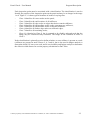
'ns'
'np'
'nsp'
'm'
's'
-
in-plane force per unit width parallel to the stiffener axis.
in-plane force per unit width perpendicular to the stiffener axis.
in-plane shear per unit width.
moment per unit width about the perpendicular to the stiffener axis.
out-of-plane shear force per unit width.
All forces are in meganewtons per metre width. Moments are in meganewton metres per
metre width.
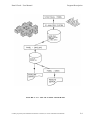
The forces and moments input are for the combined section of plate plus stiffener.
Contains proprietary and confidential information of ANSYS, Inc. and its subsidiaries and affiliates.
5-49