1
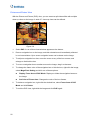
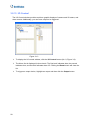
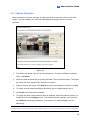
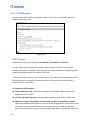
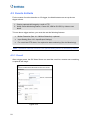
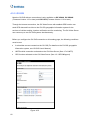
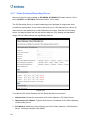
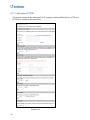
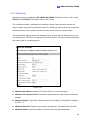
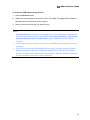
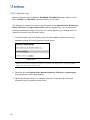
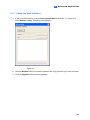
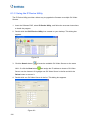
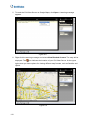
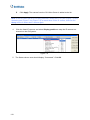
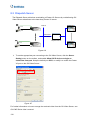
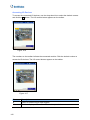
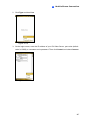
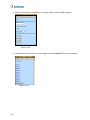
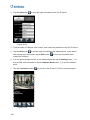
3. Tap the Add button
to enter the login information of the GV-IP device.
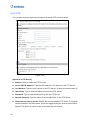
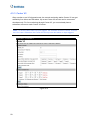
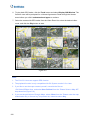
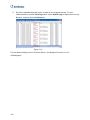
Figure 10-30
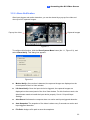
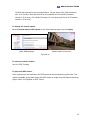
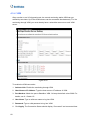
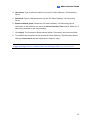
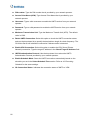
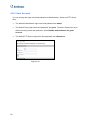
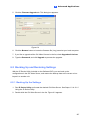
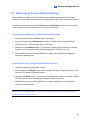
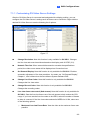
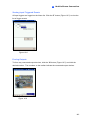
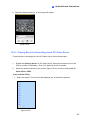
4. Type the name, IP address, port number, user name and password of the GV IP device.
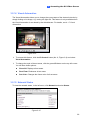
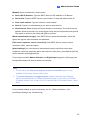
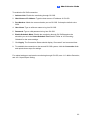
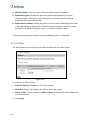
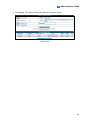
5. Tap the Add button
to add the login information to the address book. If you want to
edit existing login information, tap the Edit button
making the changes.
to save the information after
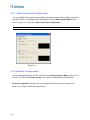
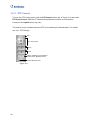
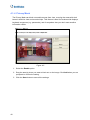
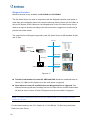
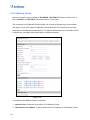
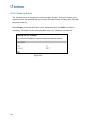
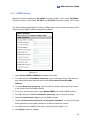
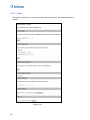
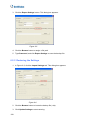
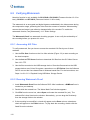
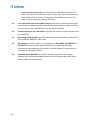
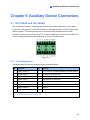
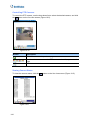
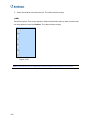
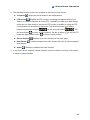
6. You can press the Menu button on the mobile phone and tap the Setting button
see the SIM card information or tap the Address Book button
book.
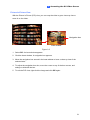
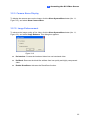
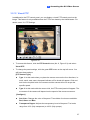
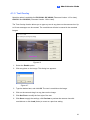
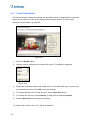
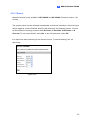
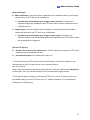
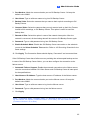
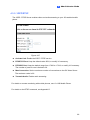
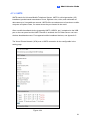
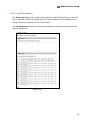
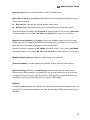
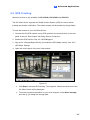
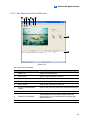
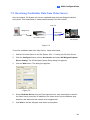
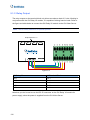
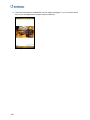
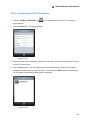
7. Tap the Connection button
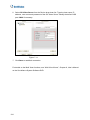
Figure 10-31
158
to
to see the address
to connect to the IP device. The live view will appear.