1
Technical Manual
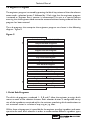
Message No. 2
CHANGE GIVEN
Message No. 3
ALTERNATIVE PRICES
NOW AVAILABLE
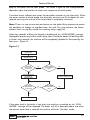
Each message will be displayed in turn for approximately 21⁄2 seconds.
3.2 Drink Selection
Drink selections are made by pressing the selection button displaying the drink
required.The following sequence outlines the procedure for vending a drink.
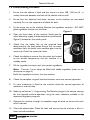
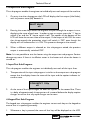
1. Place a cup/mug on the drip tray grille under the
dispense head.
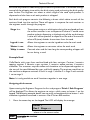
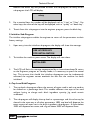
Press the selection button for the drink of your
choice. The drink will now be delivered into the
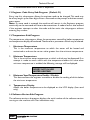
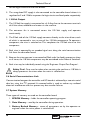
cup/mug and the LCD will display the message:
PLEASE WAIT
FOR YOUR DRINK
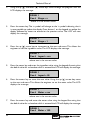
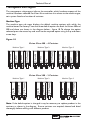
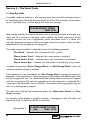
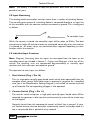
2. After dispensing the drink, the machine will
display the message shown below before
returning to background mode:.
PLEASE TAKE DRINK
THANK YOU
Remove the cup/mug from the machine.Add milk
etc as required.
3.3 Jug Selection
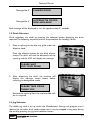
The coffee jug vend is set up within the Miscellaneous Settings sub program and is
identical to the other drink vends except that it may be stopped at any point during
the vend by pressing the Jug vend selection button.
31