1
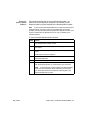
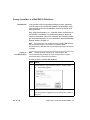
To save a contig as a sequence in a BioLIMS database: (continued)
Step
3
Action
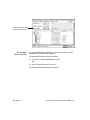
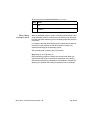
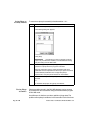
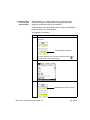
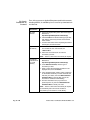
Use the pop-up menu to choose the case of the characters in the
consensus in one of the following ways:
♦
To retain the case the characters have in the project window
(lowercase characters for ambiguous base positions and
uppercase characters for all others), use the default (Mixed).
♦
To create a consensus sequence with all upper-case
characters, choose “UPPER”.
♦
To create a consensus with all lower-case characters,
choose “lower”.
Note
It is easier to identify ambiguous base positions in the
consensus if you choose Mixed case.
Page 20 of 40
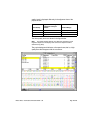
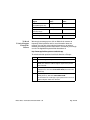
4
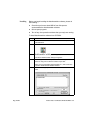
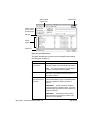
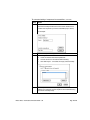
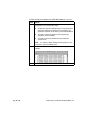
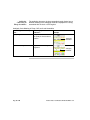
Click OK. A sequence window with the consensus sequence
appears:
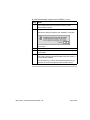
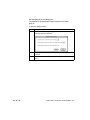
5
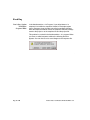
Choose Save from the File menu.
Release Notes: New Features in AutoAssembler v. 2.1