1
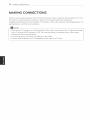
MAKING
Connection
CONNECTIONS
75
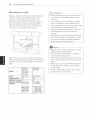
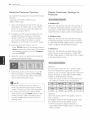
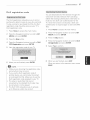
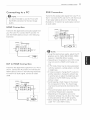
Overview
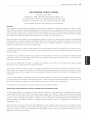
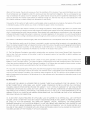
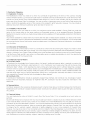
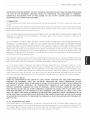
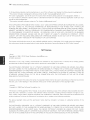
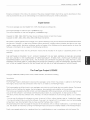
Connect various external devices to the ports on the TV back panel.
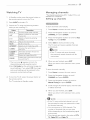
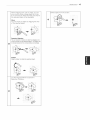
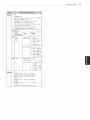
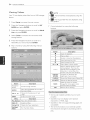
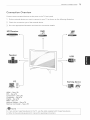
1 Find an external device you want to connect to your TV as shown on the following illustration.
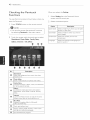
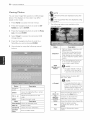
2 Check the connection type of the external device.
3
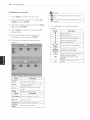
Go to the appropriate illustration and check the connection
HD
details.
Receiver
Speaker
USB
Q
PC
HDMI
DVI -
- See p.76
See p.76
Component
Composite
Digital
RGB
-
Memory
Memory
@
Gaming
See
See
See
See
p.78
p.76
p.76
p.77
storage
- See p.78
card
reader
- See p.78
NOTE
If you connect a gaming device to the TV, use the cable supplied with the gaming device.
Refer to the external equipment's
manual for operating instructions.
device