1
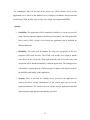
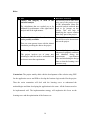
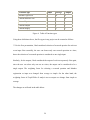
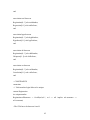
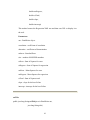
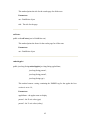
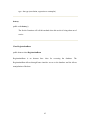
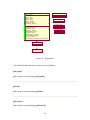
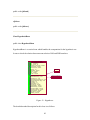
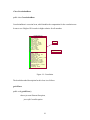
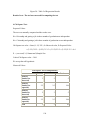
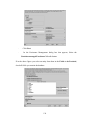
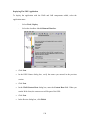
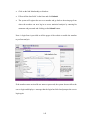
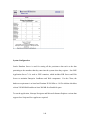
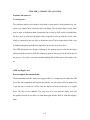
In the Aliases dialog box Click Add. And Enter the alias name for your servlet
·
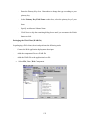
Click Finish.
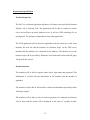
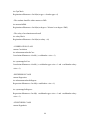
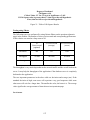
Specifying the JNDI Names and Generating Default SQL
1.
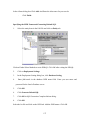
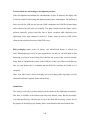
Select the entity bean in the JAR file and click on Entity tab.
Click on Finder/Select Methods to write EJB-QL. Click OK after writing the EJB-QL.
2.
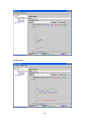
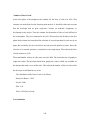
Click on Deployment Settings.
3.
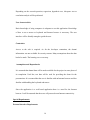
In the Deployment Setting dialog box, click Database Setting.
4.
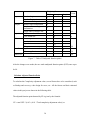
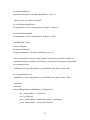
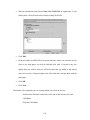
Enter jdbc/oracle in the database JNDI name field. Enter you user name and
password for the Oracle Database server.
5.
Click OK.
6.
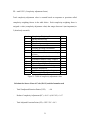
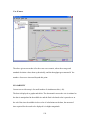
Click Generate Default SQL.
7.
Click OK in SQL Generation Complete Inform dialog.
8.
Click OK.
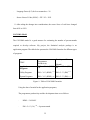
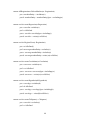
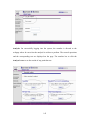
Select the Jar file and click on the JNDI tab. Add the JNDI names. Click OK
137