1
5. Using On-Screen Menu
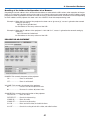
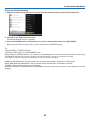
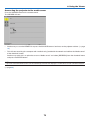
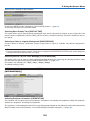
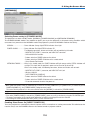
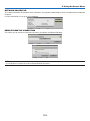
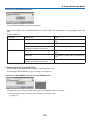
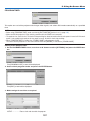
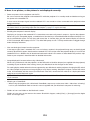
Clearing the Filter Usage Hours [CLEAR FILTER HOURS]
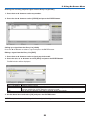
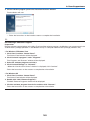
Resets the filter usage back to zero. Selecting this option displays submenu for a confirmation. Select [YES] and press
the ENTER button.
The [OFF] item is selected for [FILTER MESSAGE] at the time of shipment. When [OFF] is selected, you do not need
to clear the filter usage hour.
NOTE: Elapsed time of the filter use will not be affected even when [RESET] is done from the menu.
117