1
Contents
Charging Your Batteries................................................................................... 1
Airplane Precautions........................................................................................ 1
Contents................................................................................................................. 2
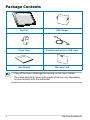
Package Contents............................................................................................... 4
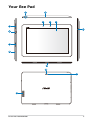
Your Eee Pad......................................................................................................... 5
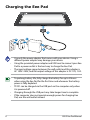
Charging the Eee Pad........................................................................................ 8
Your Eee Pad Mobile Docking (optional).................................................... 9
Special Keyboard Functions........................................................................11
Docking the Eee Pad........................................................................................13
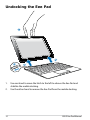
Undocking the Eee Pad...................................................................................14
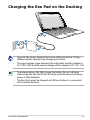
Charging the Eee Pad on the Docking......................................................15
To Begin................................................................................................................16
Unlock your Eee Pad.......................................................................................16
Home Screen.....................................................................................................16
ASUS Launcher.................................................................................................17
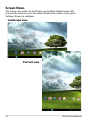
Screen Views.....................................................................................................18
Touch Panel Control.......................................................................................19
File Manager......................................................................................................21
Market .............................................................................................................23
Settings.................................................................................................................24
Power Management ......................................................................................27
ASUS Battery.....................................................................................................27
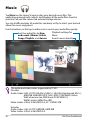
Music ...................................................................................................................28
Image....................................................................................................................29
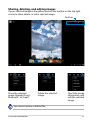
Gallery .............................................................................................................29
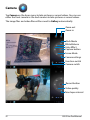
Camera .............................................................................................................32
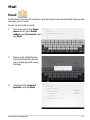
Mail ...................................................................................................................33
Email
Gmail
.............................................................................................................33
.............................................................................................................35
Reading.................................................................................................................36
ASUS Eee Pad Manual