1
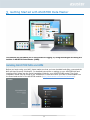
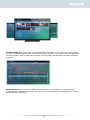
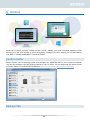
Storage space on your NAS consists of logical volumes which are made up of a single disk or multiple
disks combined together. Here you can set up new storage space for your NAS and, according to
your data protection needs, select the most suitable RAID level. In order to maintain data integrity,
you may only use internal disks when creating storage space for your NAS. ADM does not support the
use of external disks for storage space.
Reminder: The RAID levels that you may employ will depend on your NAS product model and
the number of disks that you are using.
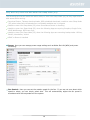
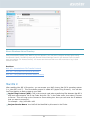
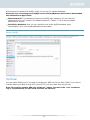
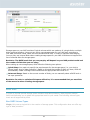
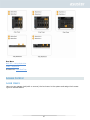
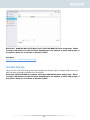
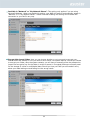
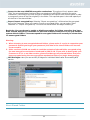
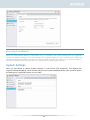
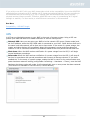
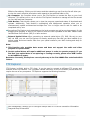
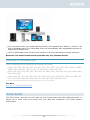
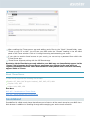
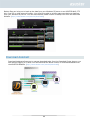
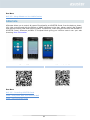
When setting up new storage space, ADM offers the following two options:
Quick Setup: You need only specify the requirements for the storage space (i.e., you wish to
have a higher level of data protection). Based on this and the number of disks you have, ADM will
automatically create a storage volume and select an appropriate RAID level for it.
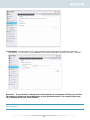
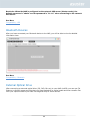
Advanced Setup: Based on the current number of disks, you can manually select a RAID level or
set up a spare disk.
Reminder: In order to optimize disk space utilization, it is recommended that you use disks
of the same size when creating storage space.
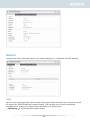
About RAID
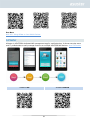
In order to provide optimal storage space utilization and data protection, ADM supports multiple
RAID levels allowing you to select the appropriate level for your needs. The following volume types
levels are all supported by ADM:
Non-RAID Volume Types
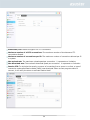
Single: Only uses a single disk in the creation of storage space. This configuration does not offer any
type of data protection.
41