1
Content Filtering – Web Filters
DFL-1500 User Manual
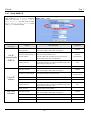
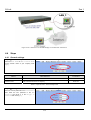
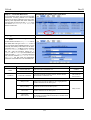
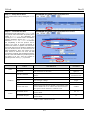
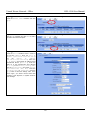
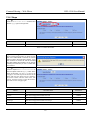
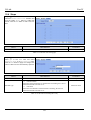
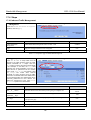
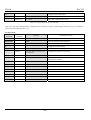
Don't block
Java/ActiveX/Cookies/Web
Proxy to trusted domain
sites
In the following domain range of the trusted domains. If there are include
Java/ActiveX/Cookies/Web Proxy components in the web page, the
action is setting not to block.
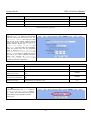
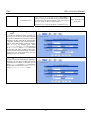
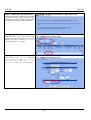
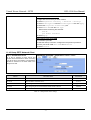
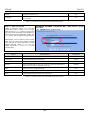
Trusted Domains
Domain
Here we can specify the Trusted Domains for the above item using.
Forbidden Domains
Domain
Here we can specify the Forbidden Domains for the above item using.
Add
Add the Trusted/Forbidden Domains IP range to the list.
N/A
Delete
Delete the Trusted/Forbidden Domains IP range from the list.
N/A
Apply
Apply the setting which configured on the checkbox.
N/A
Reset
Clean the filled data and restore the original one.
N/A
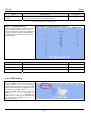
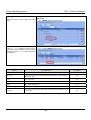
Enabled
www.dlink.com.tw
www.dlink.com
www.sex.com
www.stockmarket.com
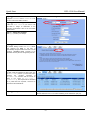
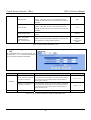
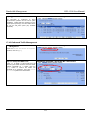
Table 13-6 Web Filter Customize setting page
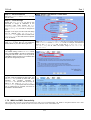
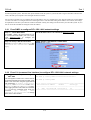
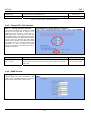
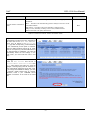
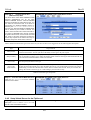
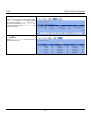
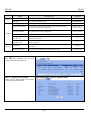
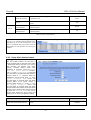
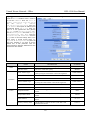
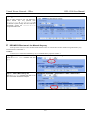
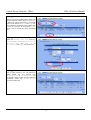
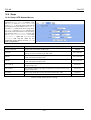
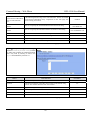
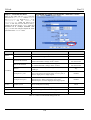
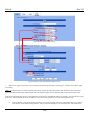
Step 8 - Setup URL keyword blocking
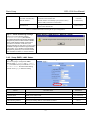
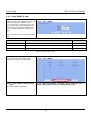
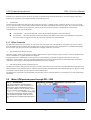
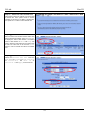
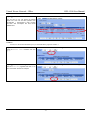
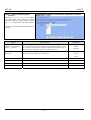
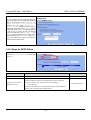
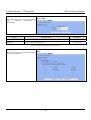
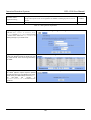
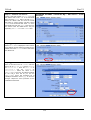
Check the Enable Keyword Blocking to block
any URLs that contains the entered keywords.
Add a key word by entering a word in the
keyword field followed by a click of Add.
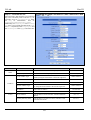
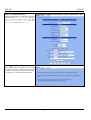
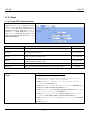
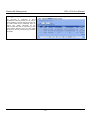
ADVANCED SETTINGS > Content Filters > Web Filter > Domain
Name
FIELD
DESCRIPTION
EXAMPLE
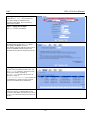
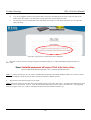
Enable Keyword blocking
Enable URL keyword blocking feature of web filter
Keyword
If the Keyword appears in the URL when connect to the Internet using
browser. The contents about the URL will be block.
sex
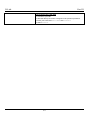
Apply
Apply the setting which configured on the checkbox.
N/A
Add
Add the Keyword to the list.
N/A
Reset
Clean the filled data and restore the original one.
N/A
Delete
Delete the selected keyword from the list.
N/A
Table 13-7 Web Filter Domain Name setting page
91
Enabled