1
MiFi Settings Basics
MiFi uses a browser interface that allows you to configure the device and access its many features.
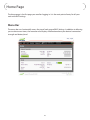
Using your Web browser, you can open the MiFi Home page that gives you access to the many
features of the device. For example, you can do the following:
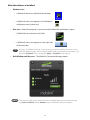
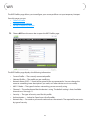
•• View the status of the wireless network, your internet connection, the battery, and the MiFi
itself.
•• Set up wireless security to safeguard your files.
•• Set up a temporary hotspot to allow a maximum of 5 devices to connect to your MiFi without
sharing your network name and network password (key).
•• Set up to allow VPN connections to your office.
•• Set up additional security to only allow certain applications out of your network (port
filtering) or to allow certain applications into your network (port forwarding—required by
some online games, for example).
Login to MiFi Settings
➊➊
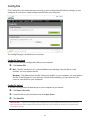
Open your web browser and enter http://192.168.1.1 into the address window and press
Enter or Return.
➋➋
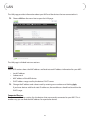
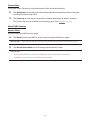
Type the administrative password into the Login box in the upper right corner and click
Login. (The default administrative password is “admin”.)
The Home page will open.
22