1
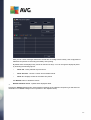
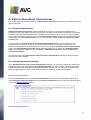
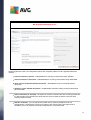
Choose the Operations option in the Central Administration main screen. A new dialog will appear. Now,
select Antivirus item (in the Security Configuration section, see the screenshot below) to open the
Antivirus dialog.
MS SharePoint 2010/2013 Server
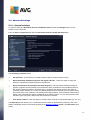
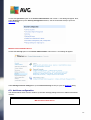
Choose the Security option in the Central Administration main screen. A new dialog will appear:
Select Manage antivirus settings item (in the General Security section) to open the Antivirus dialog.
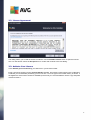
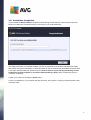
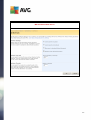
6.3. Antivirus configuration
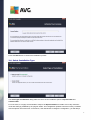
The overview below shows how the Antivirus (or Antivirus Settings) dialog looks like in different SharePoint
versions:
MS SharePoint 2003 Server
18