1
User-Defined Field Sorts
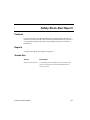
Features
Use the User-Defined Field Sorts function on the Code Maintenance menu to
identify additional sorts to use in selected reports and to group items together for
analysis purposes.
If you change the original sort sequence you set up, back up your data files. The
INVExxx (Items) and INKYxxx (Alternate Keys) files must be rewritten during
this process.
Reports
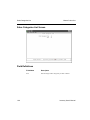
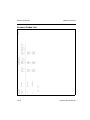
To produce a list of the information entered in the User-Defined Field Sorts
function, use the User-Defined Field Sorts List function on the Master Code Lists
menu.
Screen Use
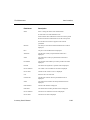
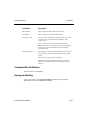
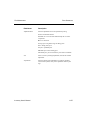
Screen
Description
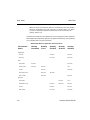
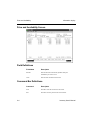
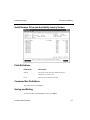
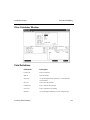
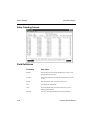
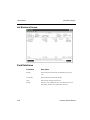
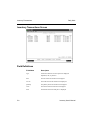
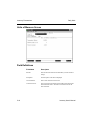
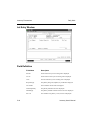
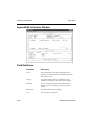
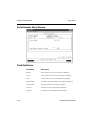
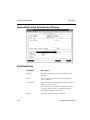
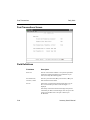
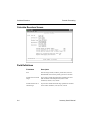
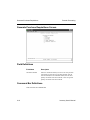
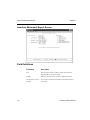
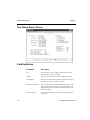
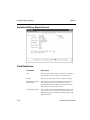
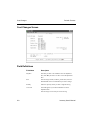
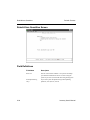
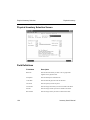
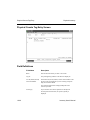
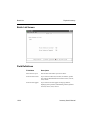
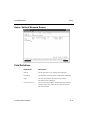
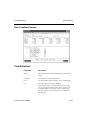
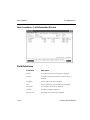
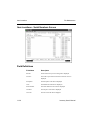
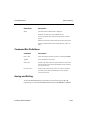
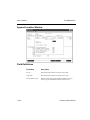
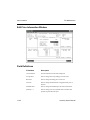
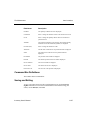
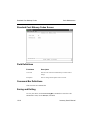
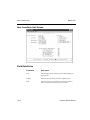
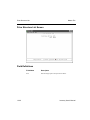
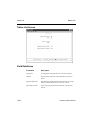
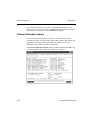
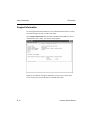
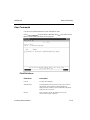
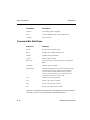
User-Defined Field Sorts
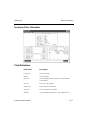
Use the User-Defined Field Sorts screen to set up two
additional sorts for reports. You can identify three userdefined fields for each sort.
Inventory User’s Manual
12-23