1
Work Flow
Daily Tasks
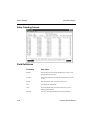
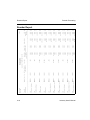
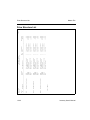
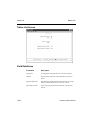
Producing the Transactions Journal
After you have entered all your adjustments, sales, and purchases and before you
post transactions, print the Transactions Journal. The journal is a record of
transactions entered through the Inventory Transactions function. Use the journal
to verify the quantity, costs, and prices for transactions and as an audit trail of
inventory activity.
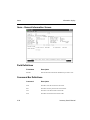
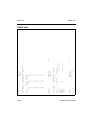
Producing the Transfers Journal
After you have entered all the location transfers and before you post transactions,
print the Transfers Journal. The journal is a record of the transfers that were entered
in the Location Transfers function. Use the journal to verify the quantity of each
item transferred, number of units, transfer cost, and unit and extended cost and as
an audit trail of inventory activity.
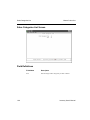
Posting Transactions
Adjustment, purchase, and location transfer transactions (including history) are
updated online; sales transactions are updated during the post.
Before you post, complete the following tasks:
•
If you have a multiuser system, make sure that no one else is using the
Inventory system.
•
Print the Transactions Journal.
•
Back up all the data files.
When you post transactions for adjustments, purchases, and location transfers, the
general ledger accounts are updated. When you post sales, the in-use and available
quantities, the general ledger accounts, and sales history are updated.
If Inventory is interfaced with General Ledger, debit and credit entries are created
in the GLJRxxx (Journal) file. If you post detail (line-item) information, entries are
made for each line item. If you post summary (totals) information, one entry is
made for each account.
Inventory User’s Manual
3-11