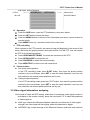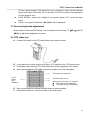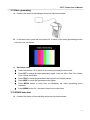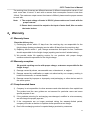
1
CCTV Tester User’s Manual B. In the main menu, press numbutton “5” to switch to the RS485 protocol analyzing mode, as follows: DATA ANALYZING C. Press SET to start the setup of baud rate. D. Press UP/DOWN to select the tester’s baud rate, make it same with the controlling device’s. baud rate in using. E. Make the controlling device transfer the RS485 data to the tester, the hexadecimal signal data will displayed in the screen as follows, engineer can analyze the data to know if the controlling device work with the correct protocol. DATA ANALYZING A0 00 01 00 00 00 AF 0F A0 00 00 00 00 00 AF 0E A0 00 00 01 00 00 AF 0F A0 00 01 00 00 00 AF 4F A0 00 00 00 00 00 AF EF A0 00 00 00 00 00 AF 2F 3.11 Digital multimeter A. Connect the 2 detecting cable on the tester as the picture shows: 12