1
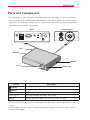
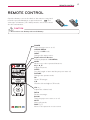
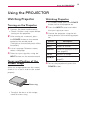
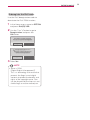
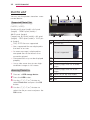
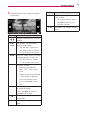
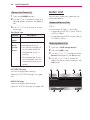
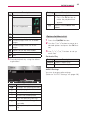
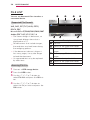
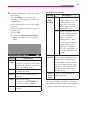
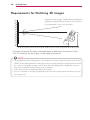
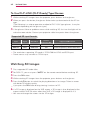
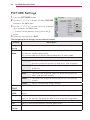
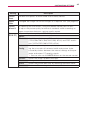
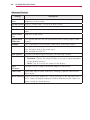
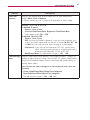
Using the PROJECTOR 19 Using the PROJECTOR Watching Projector Turning on the Projector 1 Connect the power cord correctly. yyCheck if the lens cap is open before turning on the projector. 2After waiting for a moment, press the POWER button on the remote control or the control panel. (The light on the control panel will be turned on.) 3In the Language Selection screen, select a language. 4Select an input signal by using the INPUT button on the remote control. Focus and Position of the Screen Image When an image appears on the screen, check if it is in focus and fits the screen properly.  Focus ring yyTo adjust the focus of the image, rotate the focus ring. Watching Projector 1 In Standby mode, press the POWER button to turn the projector on. 2Press the INPUT button and select the input signal you want. 3Control the projector using the fol- lowing buttons while watching projector. Button VOL -, + MUTE Description Adjusts the volume level. Mutes all sounds. Q.MENU Accesses the quick menu. (see page22) RATIO Key's, Resizes an image. Adjusts Keystone. (see page21) 4To turn the projector off, press the POWER button.