1
78 bright blue User Manual
Reports
CHAPTER 4
Introduction
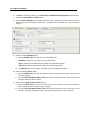
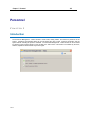
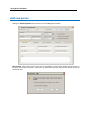
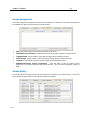
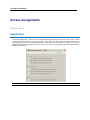
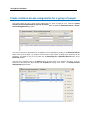
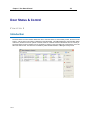
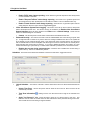
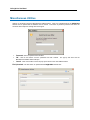
The Reports window is used to generate and view reports on various activities. There are five different types of
reports available: Activity, Personnel, Access, Devices and Configuration. The user selects a report and enters
start and end time/date criteria. The Reports window can be accessed by clicking on the Reports button on the left
side of the main screen. This section is accessible by all users, however Operators will have Read-only access
rights.
Activity
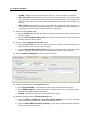
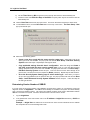
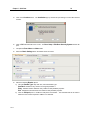
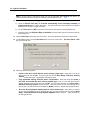
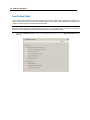
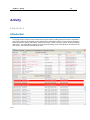
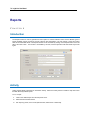
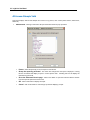
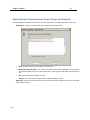
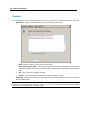
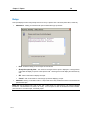
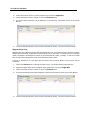
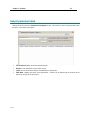
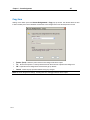
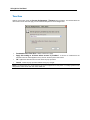
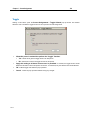
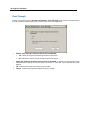
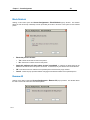
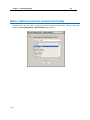
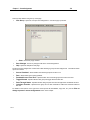
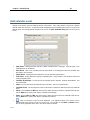
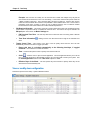
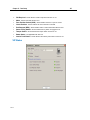
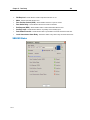
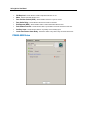
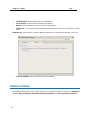
Activity reports display information on transaction activity. Select the Activity button to enable a drop down menu
that lists all activity-related reports.
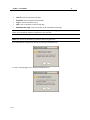
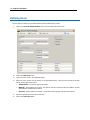
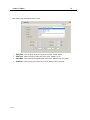
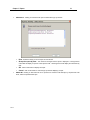
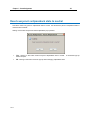
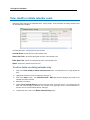
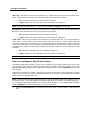
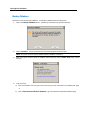
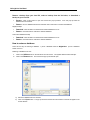
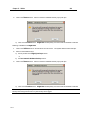
To run a report:
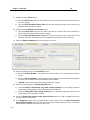
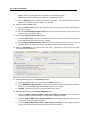
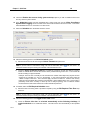
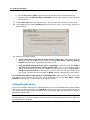
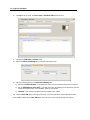
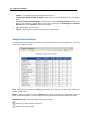
1
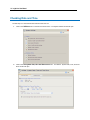
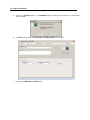
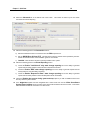
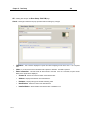
Click on the desired report from the drop down menu.
2
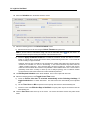
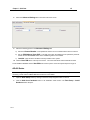
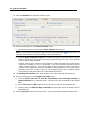
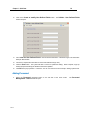
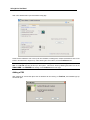
Select the time and date criteria.
3
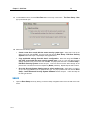
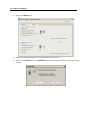
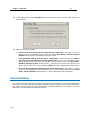
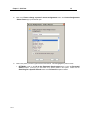
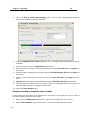
Run report by person, door or both (Select Person, Select Door or Select All).