1
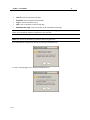
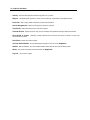
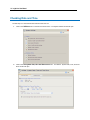
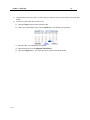
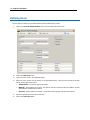
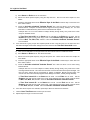
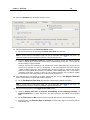
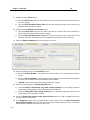
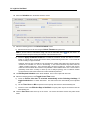
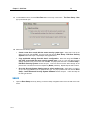
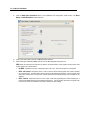
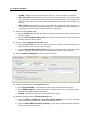
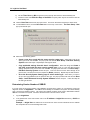
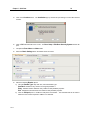
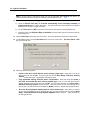
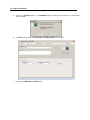
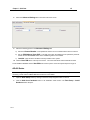
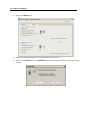
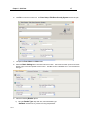
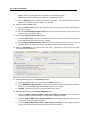
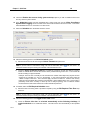
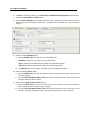
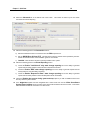
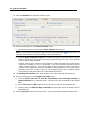
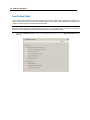
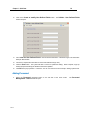
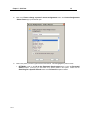
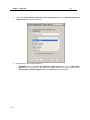
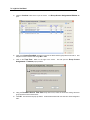
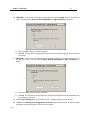
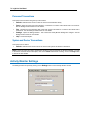
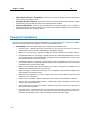
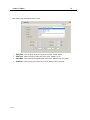
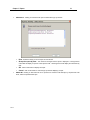
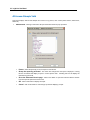
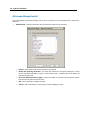
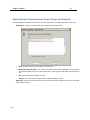
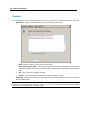
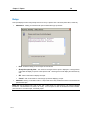
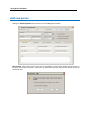
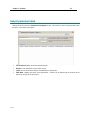
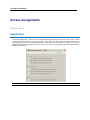
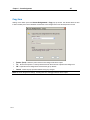
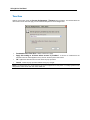
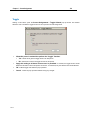
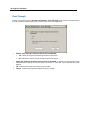
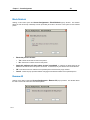
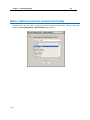
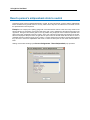
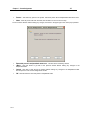
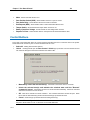
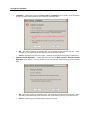
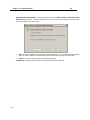
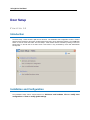
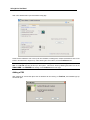
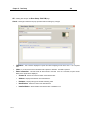
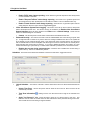
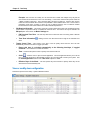
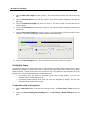
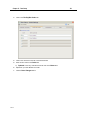
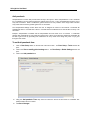
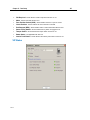
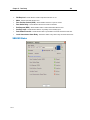
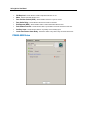
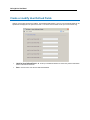
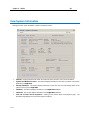
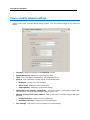
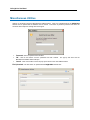
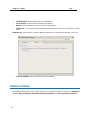
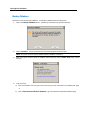
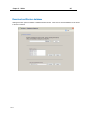
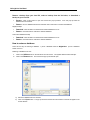
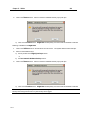
38 bright blue User Manual SBB-NRI 1 Open the Door Setup section by clicking on the Door Setup navigation button on the left side of the main screen. 2 Click the Add doors hardware button in the Installation and Configuration Tasks section. The Door Setup - Install Hardware window will open. 3 Click on the radio button to the left of SBB-NRI Reader Interface. 4 Select what type of REX this SBB-NRI will use from the REX Operation drop down box. REX stands for request-to-exit and refers to either a mechanical button or PIR (motion sensor) that is used to gain egress from a secured door. No REX - No REX for this door. Request-to-exit is not in use. Door Forced Open is not reported. REX - No Unlock - Request-to-exit is in use to report a valid exit and bypass door contact reporting for a period of time. The REX device will not unlock the electrified locking device. This is typically used when either a door knob or exit bar are used as these devices manually unlatch from the inside of the opening. REX - Unlock - Request-to-exit is in use to report a valid exit, bypassing door contact reporting for a period of time AND unlocking the electrified locking device. This is typically used when a magnetic lock is used and must be unlocked from the inside of the door to allow exiting.