1
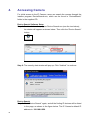
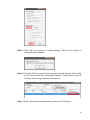
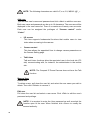
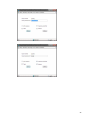
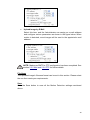
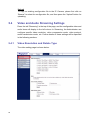
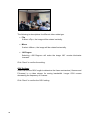
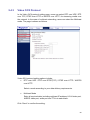
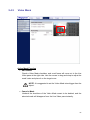
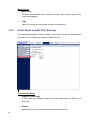
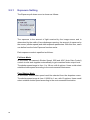
The following is descriptions for different video rotate type.
• Flip
If select <Flip>, the image will be rotated vertically.
• Mirror
If select <Mirror>, the image will be rotated horizontally.
• 180 Degree
Selecting <180 Degree> will make the image 180° counter-/clockwise
inversed.
Click “Save” to confirm the setting.
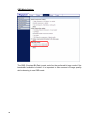
GOV Settings
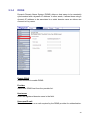
Users can set the GOV length to determine the frame contracture (I-frames and
P-frames) in a video stream for saving bandwidth. Longer GOV means
decreasing the frequency of I-frames.
Click “Save” to confirm the GOV setting.
56